
45° flanks
A symmetrical trapezoid with 45° flanks. The overhang never exceeds 45°, so bolts print upright and threaded holes print in any orientation — without supports.
—3D printing
The ISO metric thread was designed for cutting metal. Printed upright, its lower flank is a 60° overhang, small sizes are shallower than a nozzle track, and clearances are counted in hundredths of a millimetre. SI3DP (screwit3Dprint) is a thread and hardware series designed for the printer instead — and screwit3D models it for you.
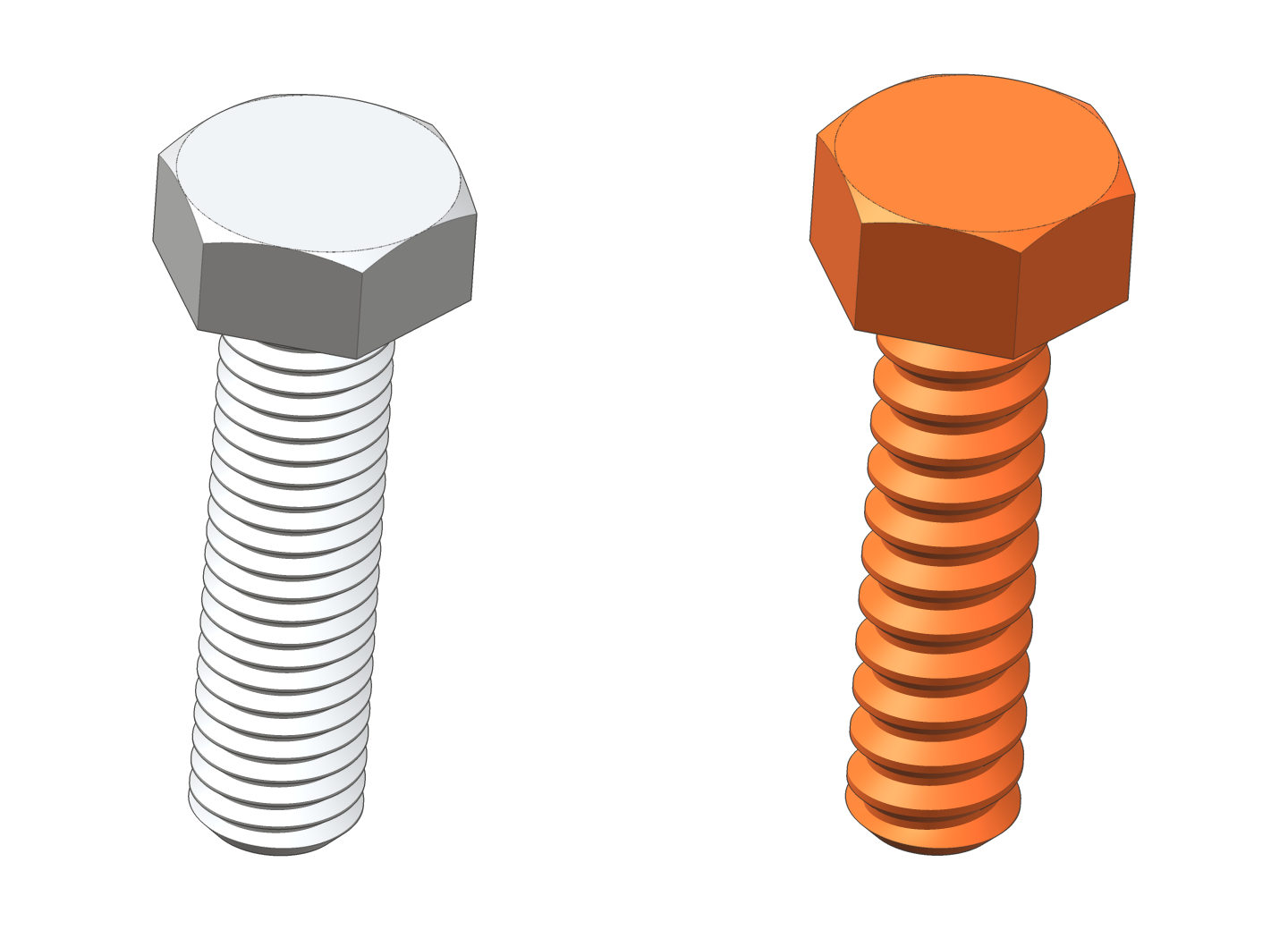
A symmetrical trapezoid with 45° flanks. The overhang never exceeds 45°, so bolts print upright and threaded holes print in any orientation — without supports.
The thread is proportional. Pitch P = 0.3 · D, profile depth 0.1 · D, flats P / 6. Everything follows from the nominal diameter — also for sizes outside the table.
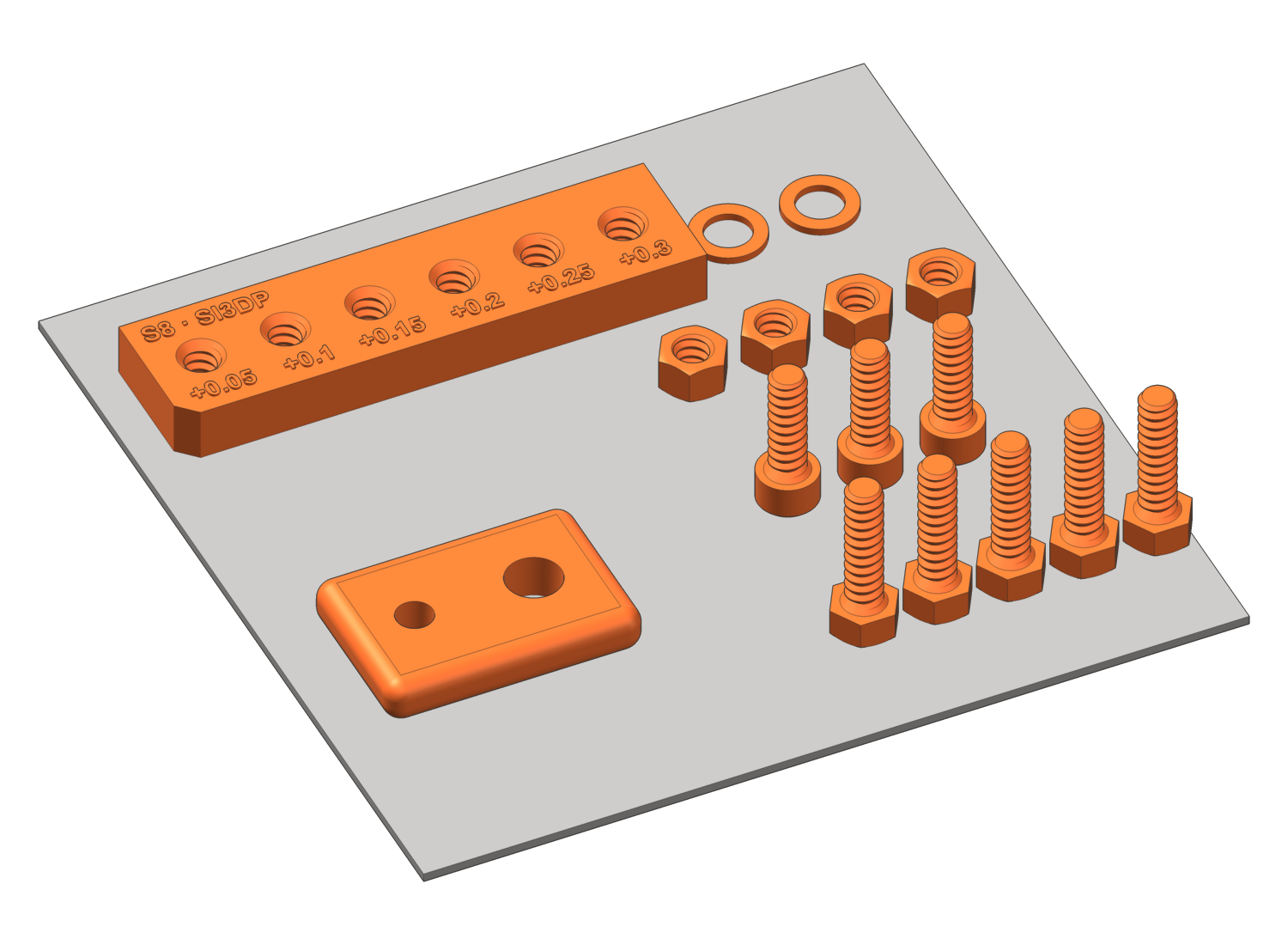
0.10 mm on the bolt and 0.15 mm in the hole are part of the standard, identical for every size. Need more for your printer? Set your own — clearly marked as off-standard.
A 45° cone under the head fills the clearance hole, followed by a 45° thread run-out. Right under the head there is full cross-section and no sharp notch.
01Try it
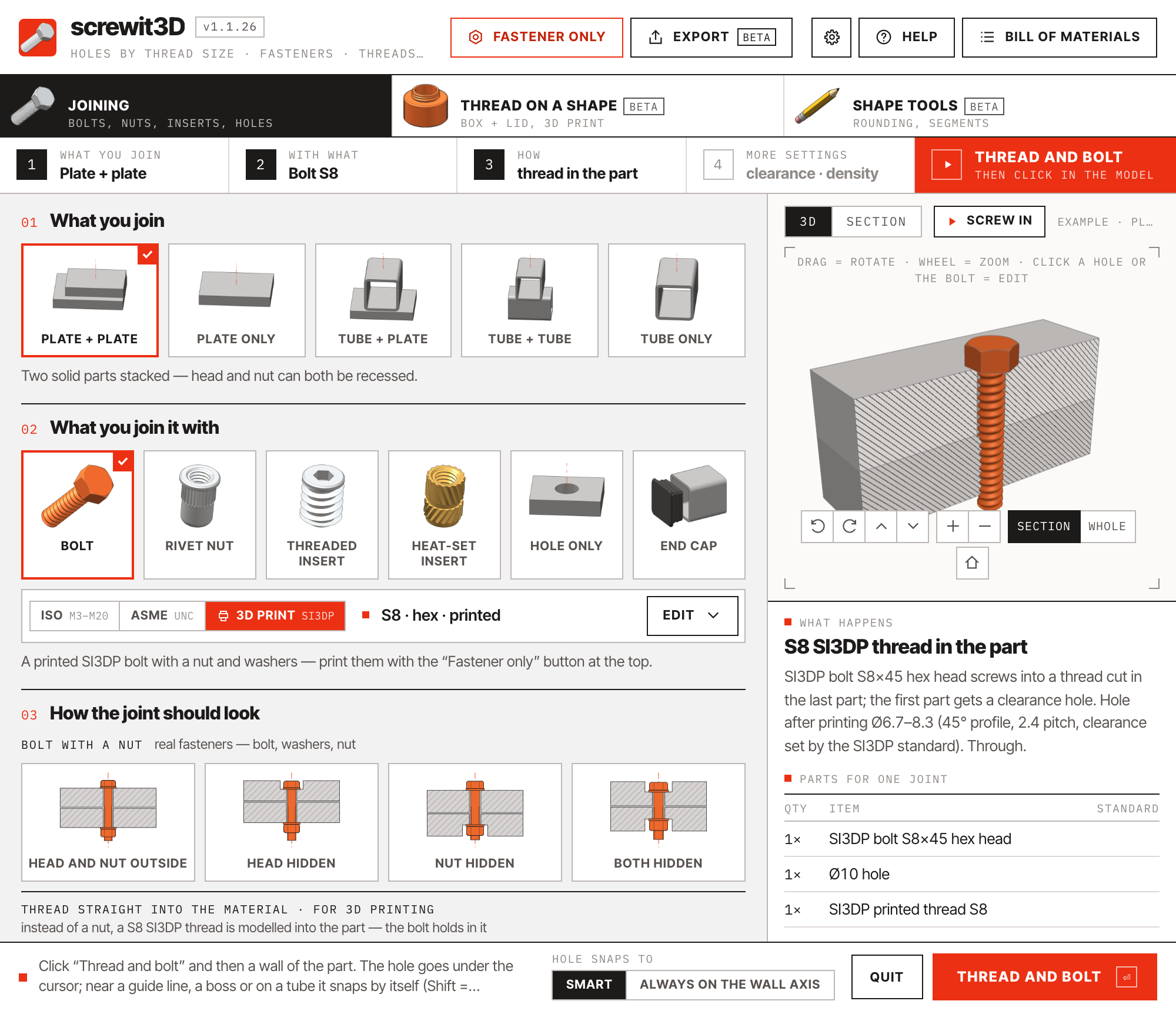
Rotate it, switch to the section, pick another joint. The card below shows exactly what the extension writes into your model and parts list.
 screwit3D
drag to rotate · scroll to zoom
What happens
02In SketchUp
03New in 1.1
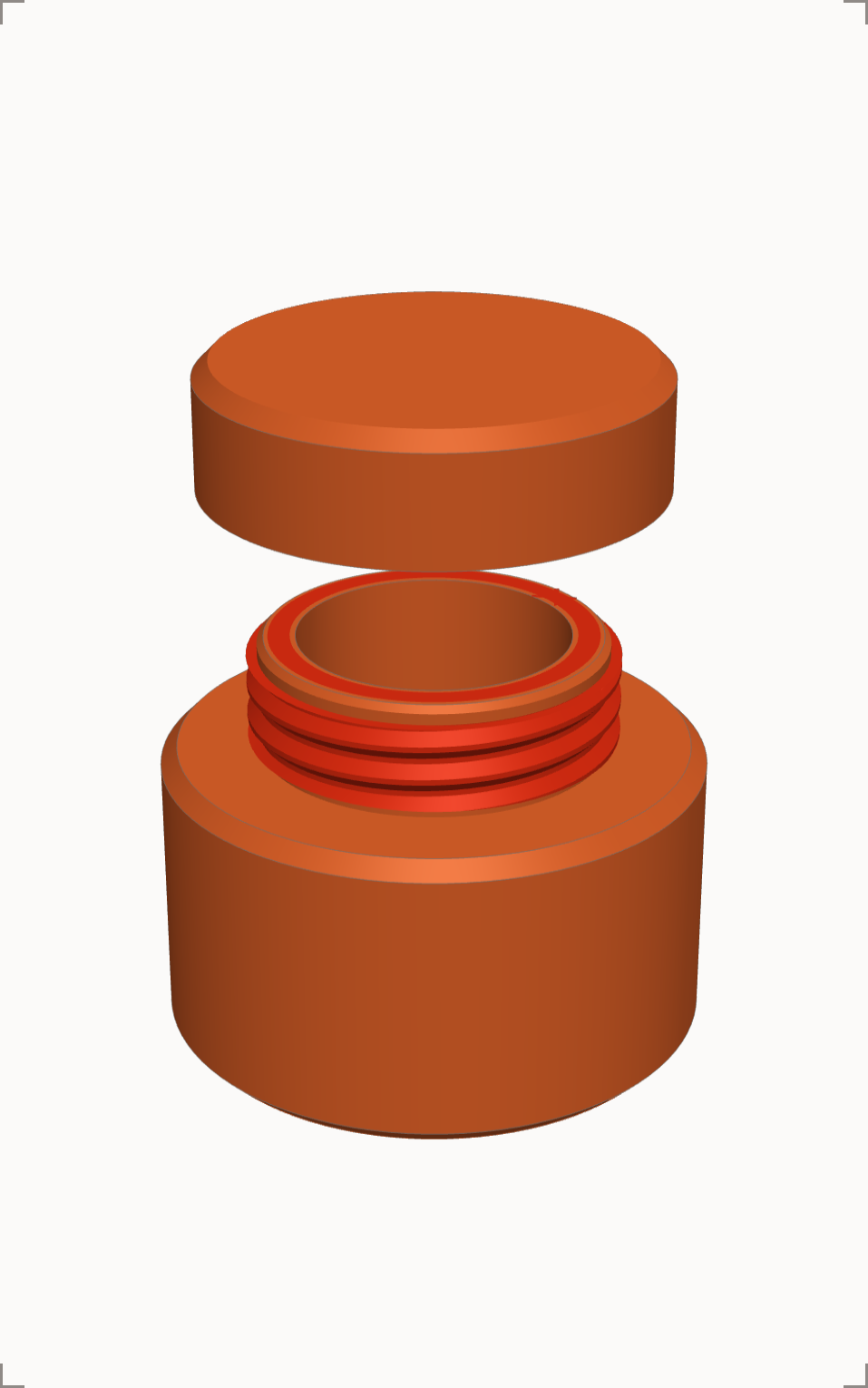
Boxes with screw-on lids, jars, caps, plugs — drawn as plain cylinders, threaded with one click, exported laid out on your print bed. Both tools are beta.
Thread on a shapebeta
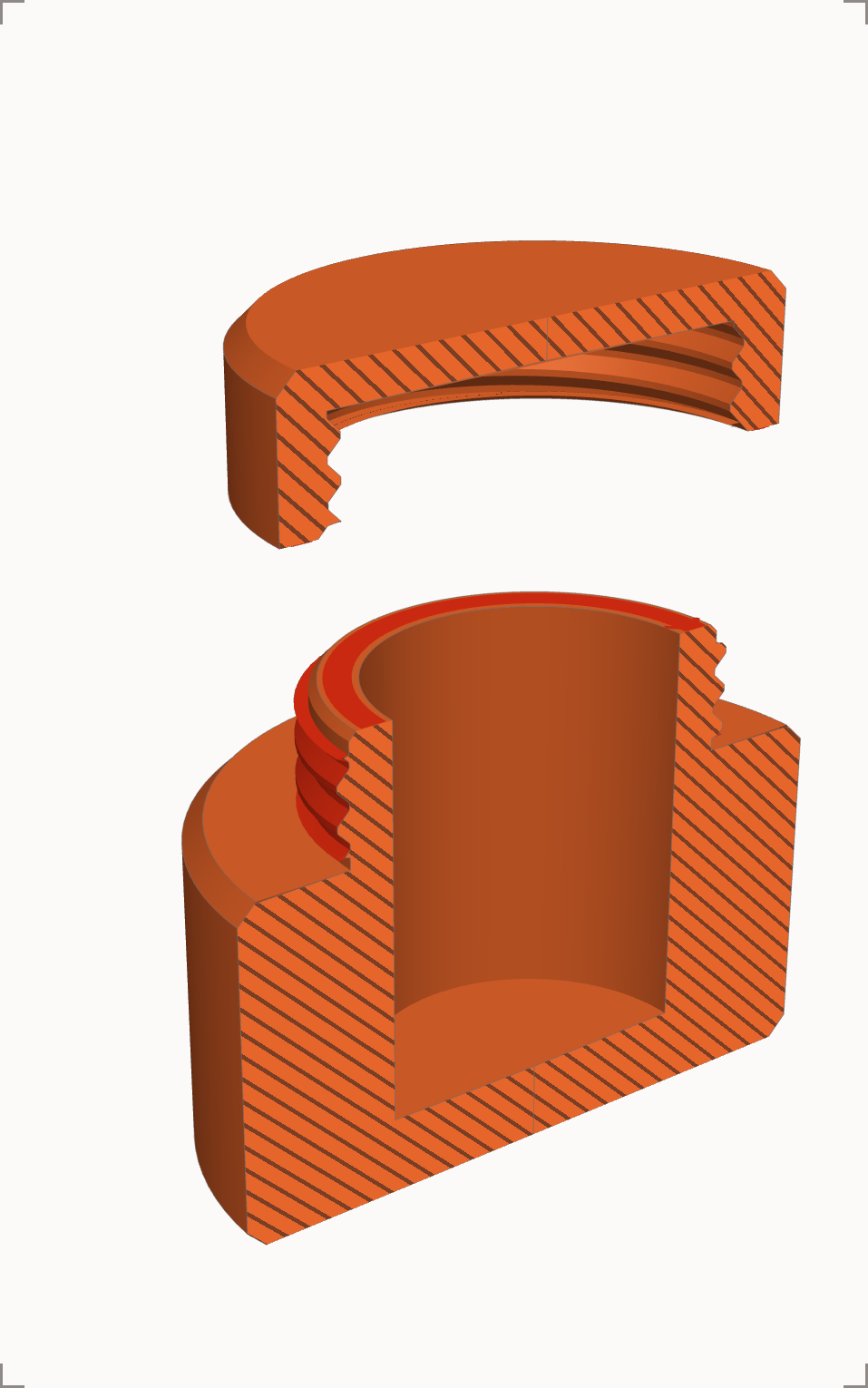
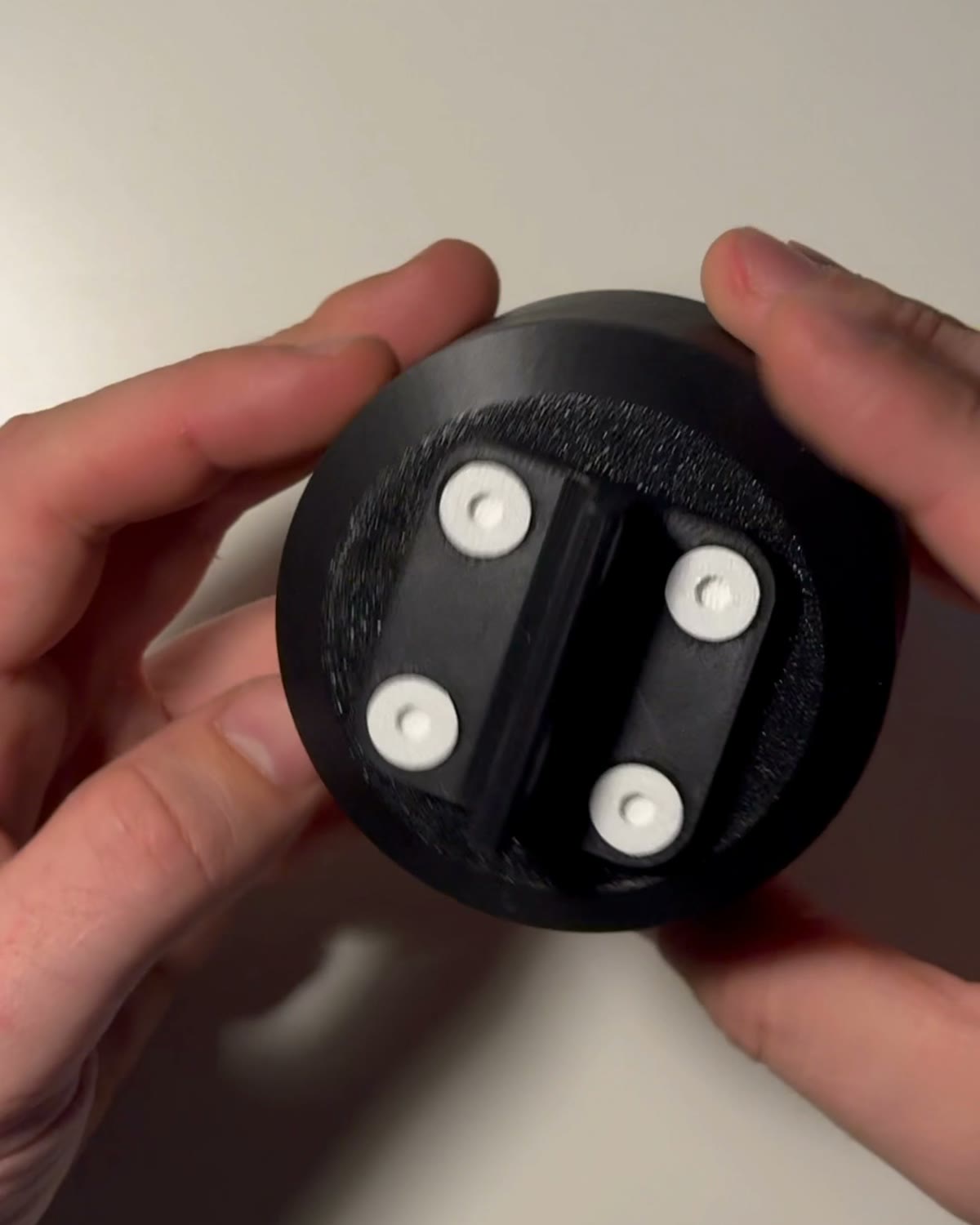
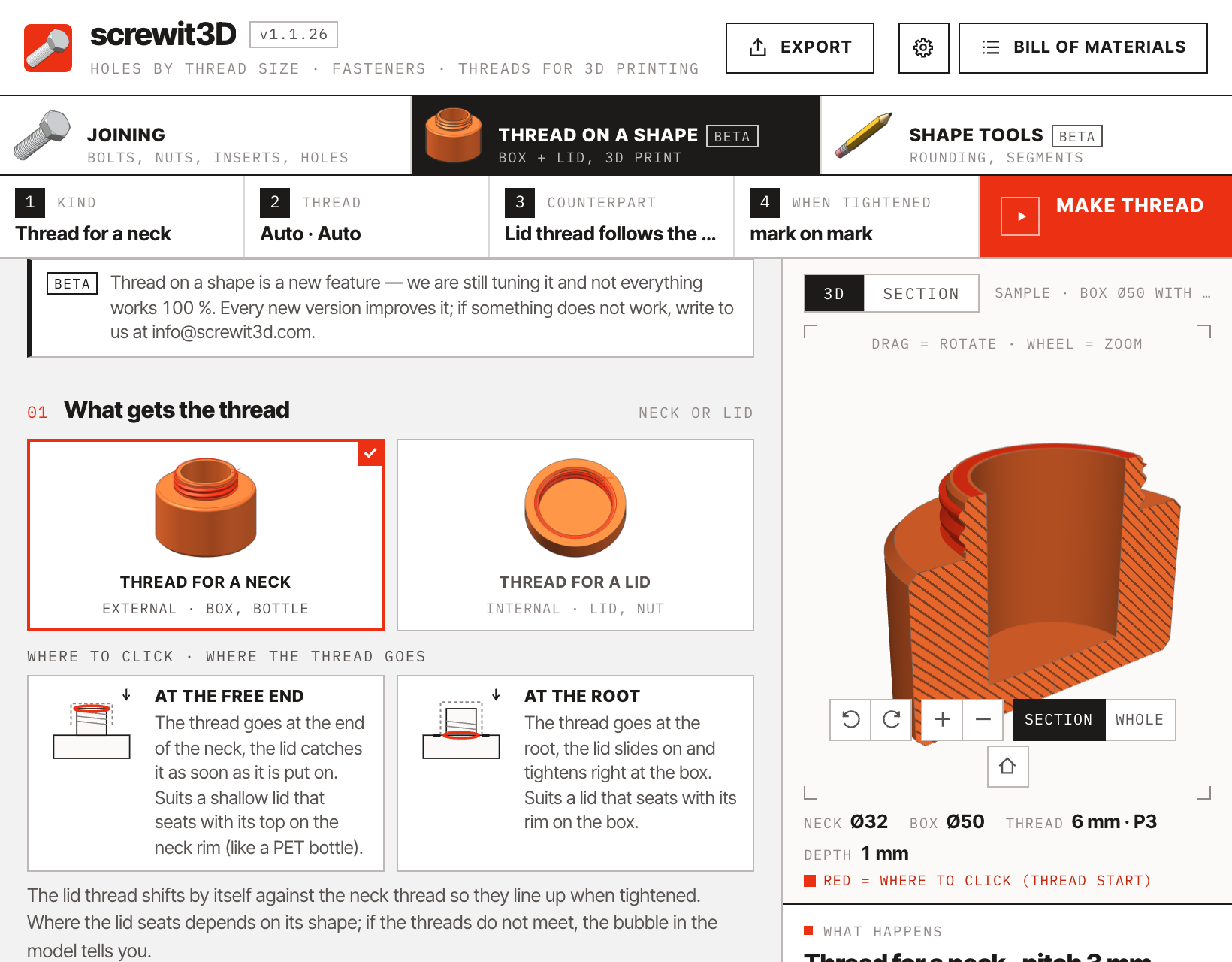
Model the neck of a box and its lid as plain cylinders. Pick Thread for a neck, click the neck — it gets a 45° thread sized for your printer. Click the lid — it takes its thread from the neck, shifted by itself so the two seat against each other, and the marks line up when tightened. Pitch, clearance, number of starts and hand are yours to set.
STL and DXF exportbeta
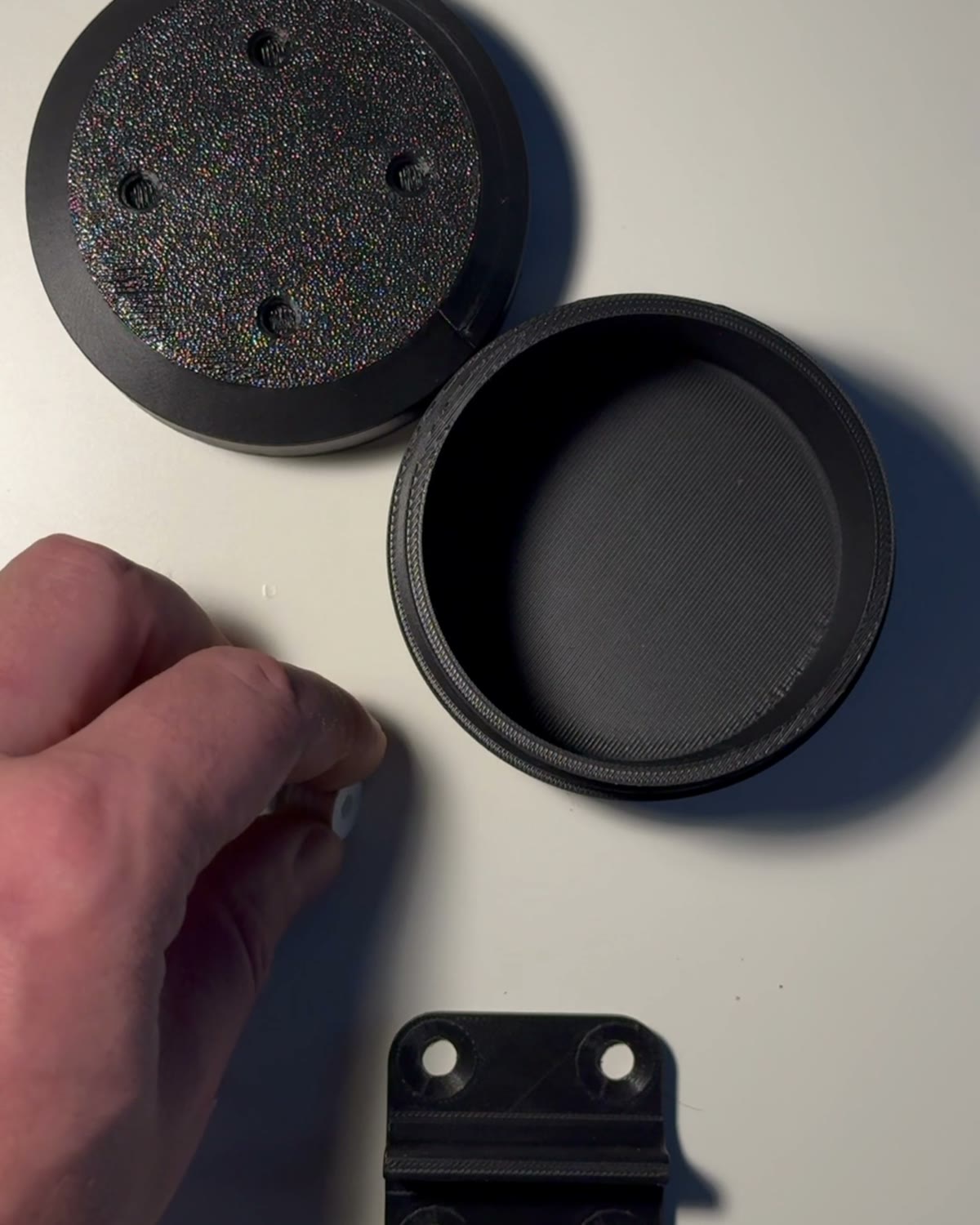
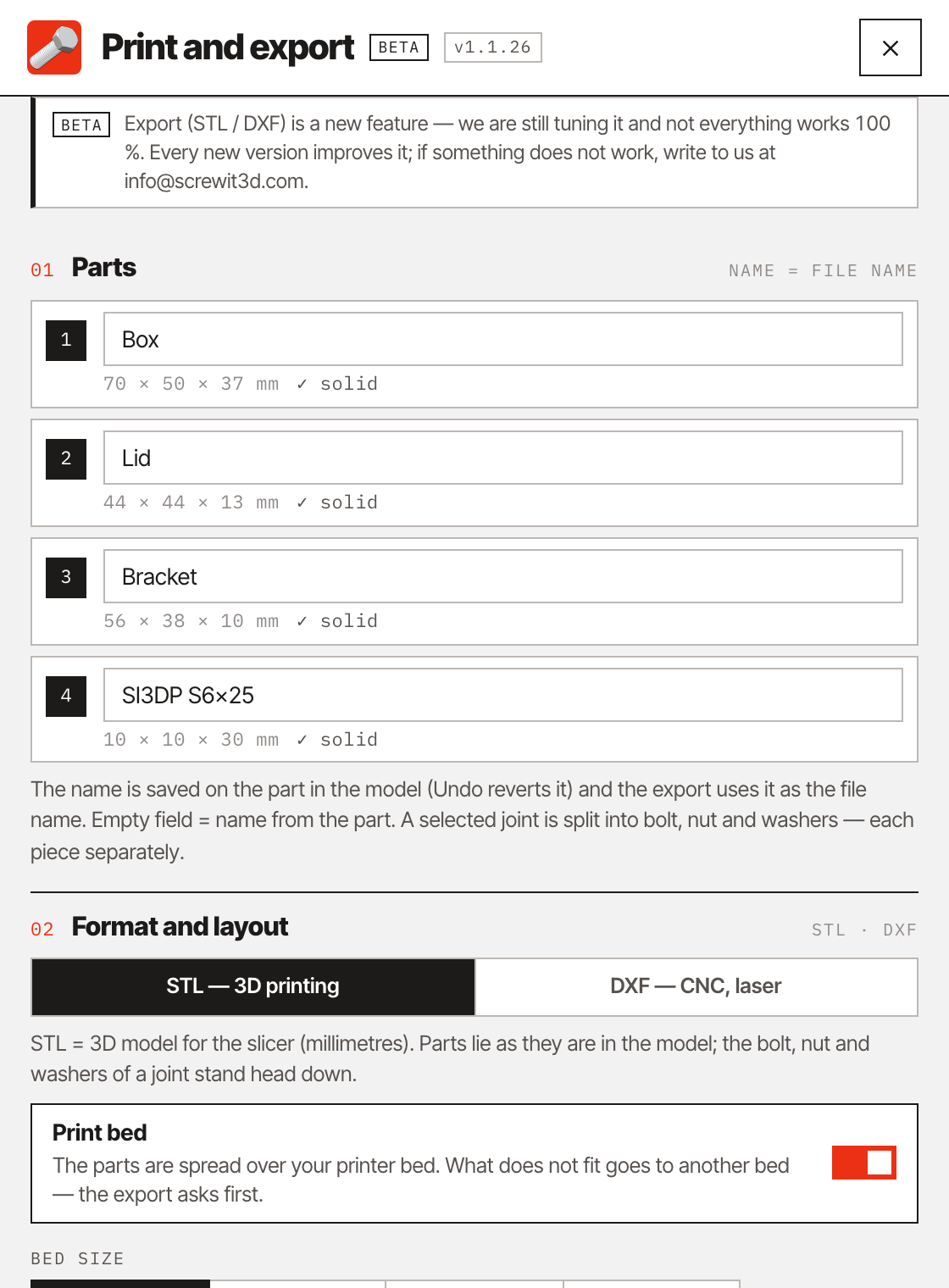
Select the parts and press Export in the panel’s top bar. Name them, choose STL for 3D printing or DXF for CNC and laser cutting, and set the size of your print bed or material sheet. The parts are laid out flat with a gap between them; what does not fit is split across several beds or sheets — you are asked first.
04The series
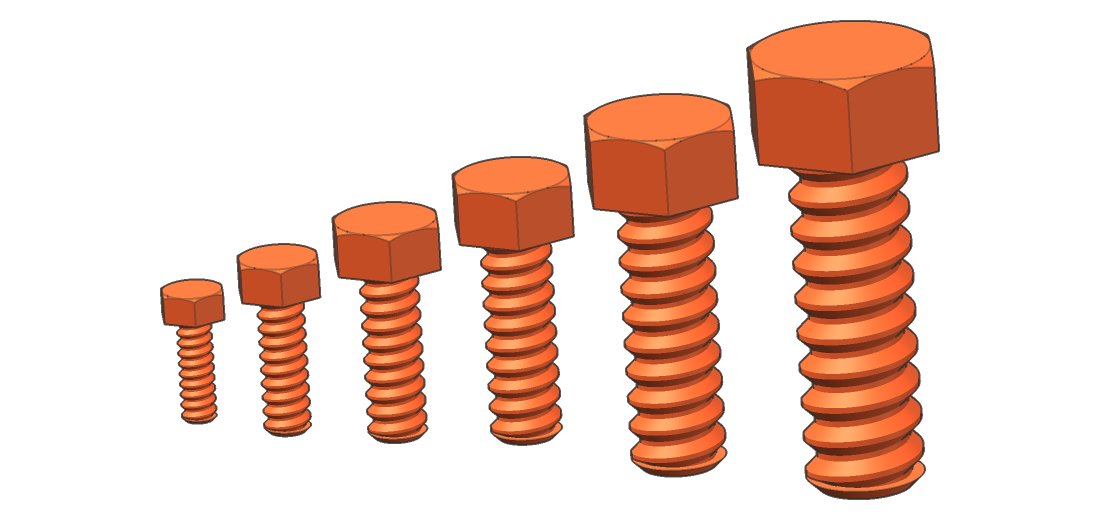
| Size | D | Pitch P | Depth h | Bolt Ø core–crest | Nut / part Ø | Clearance hole | Hex key / spanner |
|---|---|---|---|---|---|---|---|
| S6 | 6 | 1.8 | 0.6 | 4.6 – 5.8 | 5.1 – 6.3 | Ø 7 | 5 / 10 |
| S8 | 8 | 2.4 | 0.8 | 6.2 – 7.8 | 6.7 – 8.3 | Ø 10 | 6 / 13 |
| S10 | 10 | 3.0 | 1.0 | 7.8 – 9.8 | 8.3 – 10.3 | Ø 12 | 8 / 17 |
| S12 | 12 | 3.6 | 1.2 | 9.4 – 11.8 | 9.9 – 12.3 | Ø 14.5 | 10 / 19 |
| S16 | 16 | 4.8 | 1.6 | 12.6 – 15.8 | 13.1 – 16.3 | Ø 18.5 | 14 / 24 |
| S20 | 20 | 6.0 | 2.0 | 15.8 – 19.8 | 16.3 – 20.3 | Ø 24 | 17 / 30 |
SI3DP v0.1 · all dimensions in mm · smallest usable size ≈ 15 × nozzle diameter (0.4 mm nozzle → S6).
05In the extension
06Questions
SI3DP (screwit3Dprint) is a thread and fastener series designed for FDM printing: a proportional trapezoidal thread with 45° flanks, pitch 0.3 · D, clearance defined by the standard and reinforced head transitions. It is currently at version 0.1 and lives inside screwit3D, which models the threads, bolts, nuts and washers for you.
No — SI3DP has its own, much coarser thread, so printed SI3DP bolts go with SI3DP nuts and threads. Diameters and spanner sizes match the metric series, so your tools fit. When you want a bought steel bolt in a printed part, cut an ISO or ASME thread with print tolerance or use a heat-set insert; screwit3D does both.
Yes, in sizes S6 and S12: printed parts, threads cut into the part and heat-set inserts, up to 3 of each kind at a time in one model. The full version unlocks S6 to S20 and removes the limit.
Print the calibration plate from ⚙ Settings, see which clearance fits your printer and set it in the joint. A custom clearance is marked as off-standard, so you always know which parts differ.