v1.2.40 Download the free version — no account, no card. Download

—For design engineers

Every hole to standard. Every bolt as you would order it.

Steel frames, furniture, fixtures, exhibition stands: choose what you join and with what, and screwit3D drills every wall along the axis and inserts the hardware you would actually order — metric or inch, with the length computed and the bill of materials kept up to date.

01Three standards

One switch between metric, inch and 3D print.

The same switch you see in the panel. Pick the standard and every size, head, hole and countersink follows it — ISO metric, ASME inch, SI3DP when the parts come off a printer.

ISOM3–M20

Metric, to DIN / ISO

  • Clearance holes ISO 273 — close, normal, loose
  • DIN 933 · 912 · 6921 · 7991 · ISO 7380 · 14581
  • Nuts DIN 934, washers DIN 125, countersinks 90°
ASMEUNC · UNF

Inch, to ASME B18

  • #6 to 3/4", coarse UNC or fine UNF
  • B18.2.1 · B18.3 · B18.2.2 · B18.22.1
  • 82° countersinks, fractional inch input
3D PRINTSI3DP

Printable, our own standard

02Hardware

Six kinds of fastener, eight heads, seven drives.

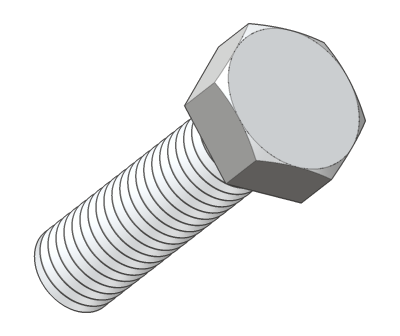
Boltnut · washers
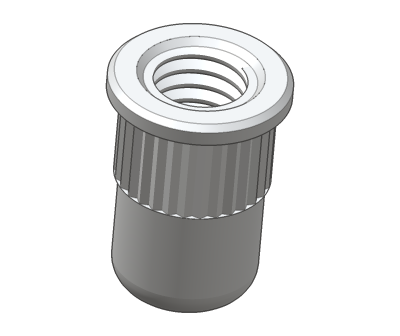
Rivet nutfor tubes
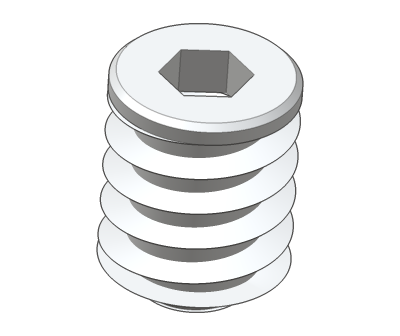
Threaded insertfor timber
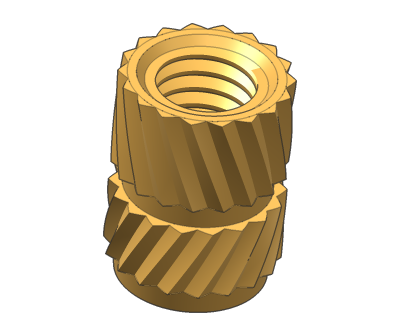
Heat-set insertfor 3D prints
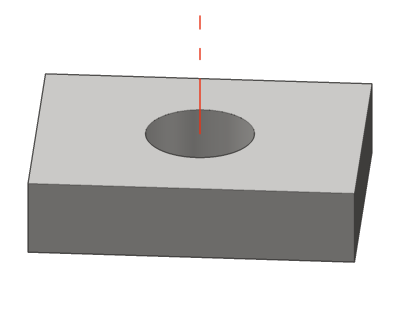
Hole onlyto standard or custom
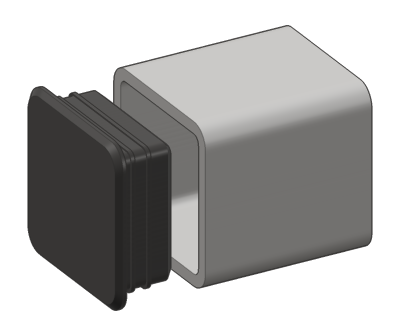
End captube · pipe · hole

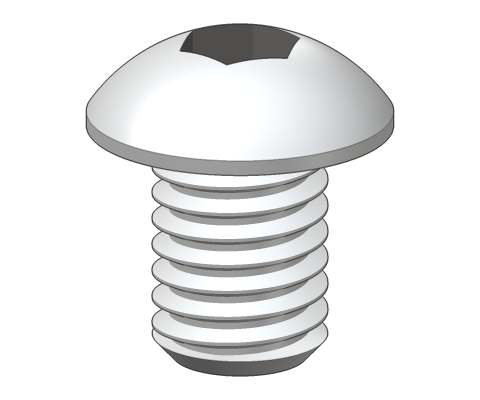
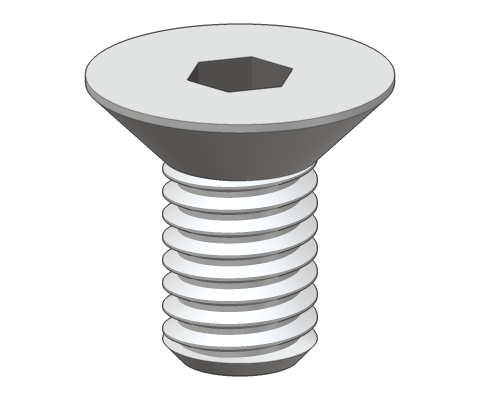
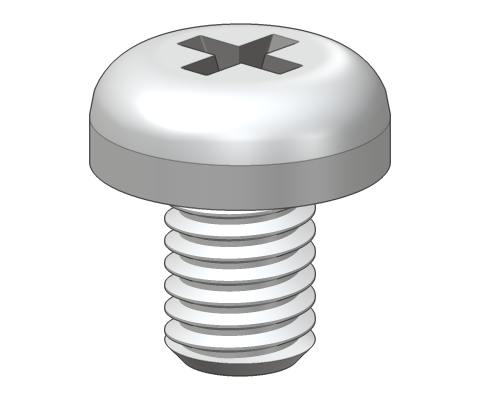
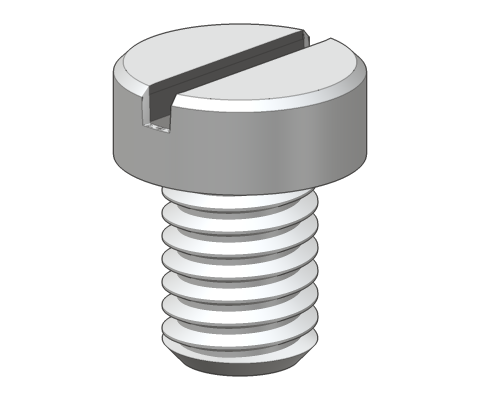
8 head types, rendered from the real geometry
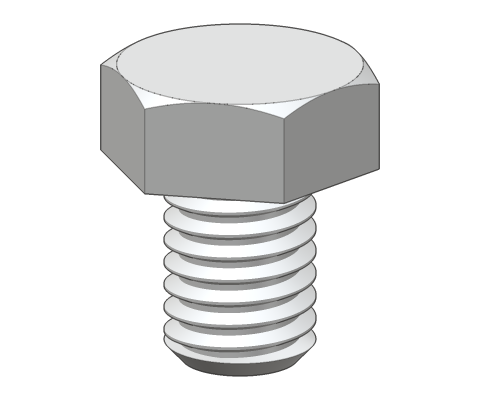
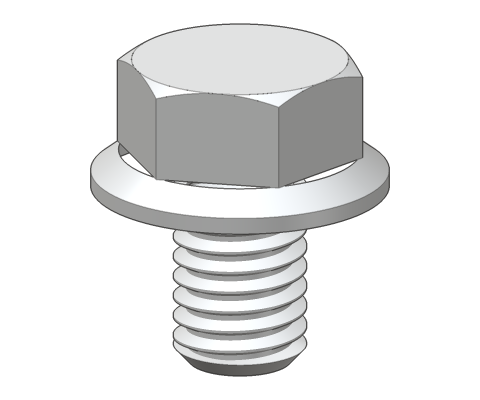
Hex
Flange
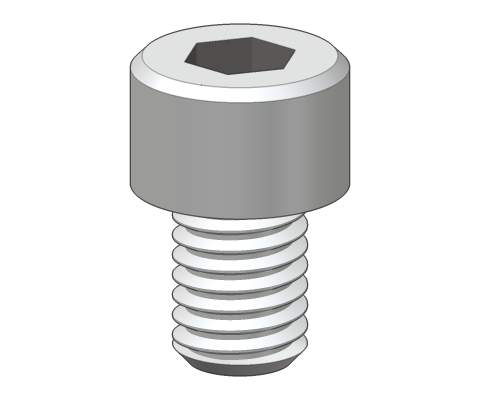
Socket cap
Button
Countersunk
Pan
Cheese
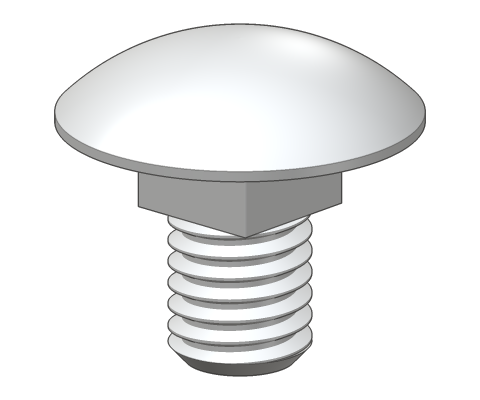
Carriage

Drives: external hex · hex socket · Torx · Phillips · Pozidriv · slot
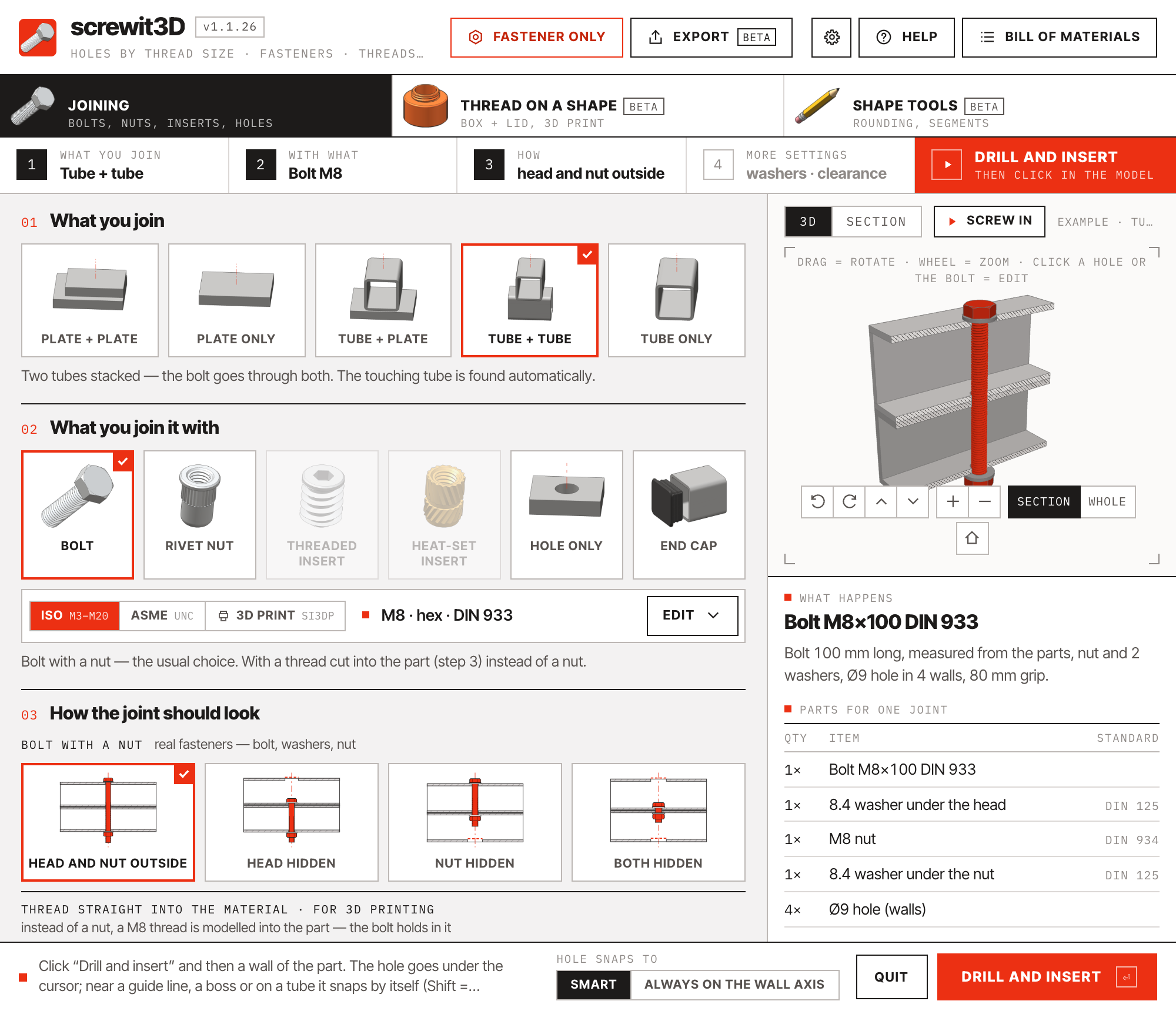
screwit3D panel: M8 bolt through two square tubes 1 2 3 4
  1. 1

    Four steps, then drill

    What you join · with what · how · more settings. The bar always shows the current choice and ends in the one red action.

  2. 2

    Three standards, one switch

    ISO, ASME or 3D print. Next to it one summary line — size, head, standard, length measured from the parts. Open it only when you need something else.

  3. 3

    Live 3D or dimensioned section

    Generated from the same plan the drilling uses — with real thread geometry on the hardware. Click a part of the fastener to jump to its setting.

  4. 4

    What happens + parts list

    A plain sentence describing the joint, and a QTY / ITEM / STANDARD table for this joint.

03Try it

Metric and inch, side by side.

The extension's own preview, running in the page. Switch between ISO and ASME, open the section, and read the parts list the joint writes into your model.

screwit3D

drag to rotate · scroll to zoom

What happens

04In SketchUp

Steel and timber, in real recordings.

05New in 1.1

Parts to DXF for CNC and laser — flat, nested, with true circles.

STL and DXF exportbeta

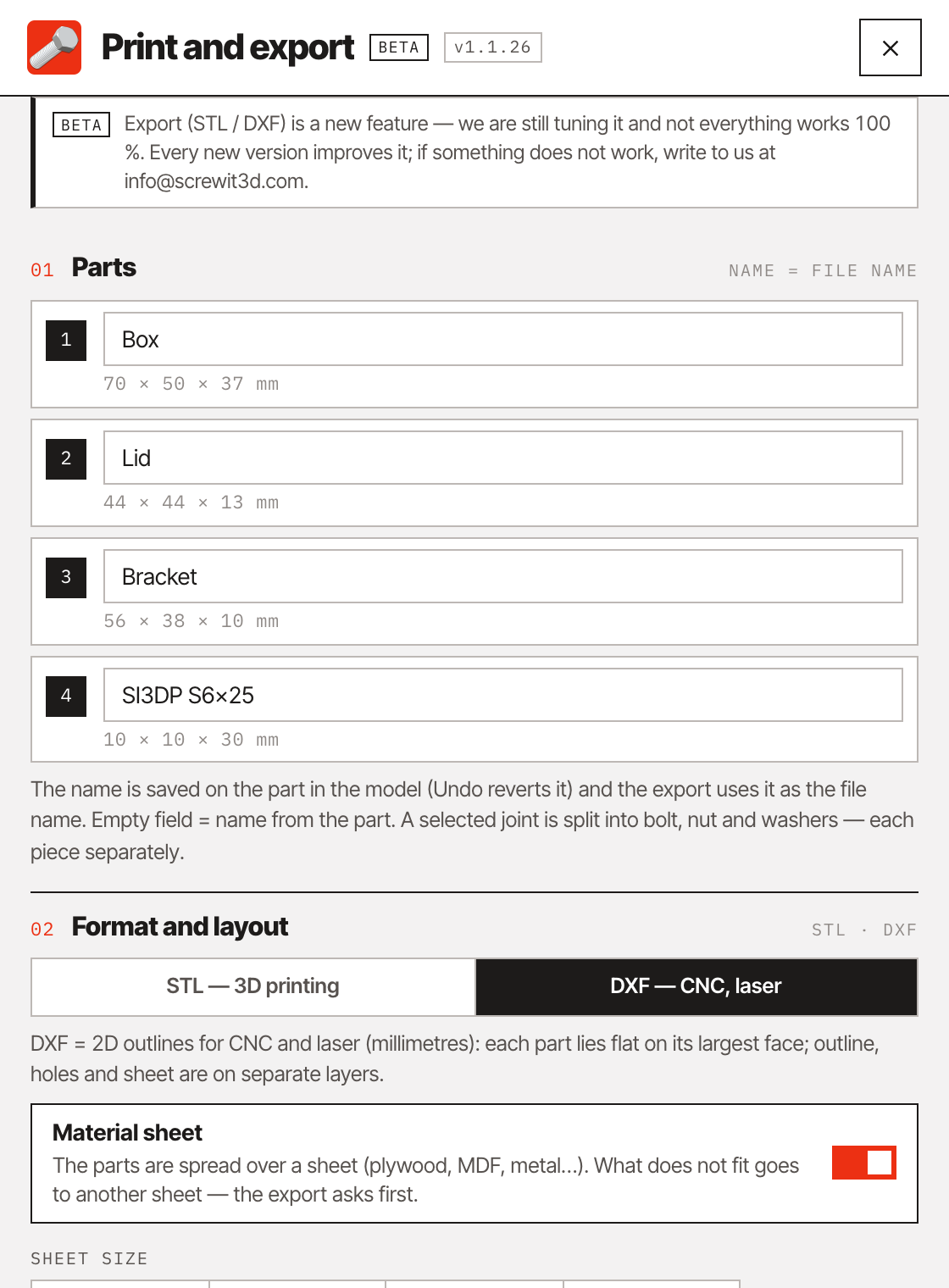
Select the plates, press Export, set the sheet.

Every selected part is laid flat, its outline and holes written as true circles and arcs, and nested on the sheet size you set with a gap between parts. What does not fit goes onto the next sheet — you are asked first. A selected bolt joint is split into bolt, nut and washers.
  • Lay out in the model keeps your model untouched and puts the nested copies beside it — handy for a cutting plan in LayOut.
  • Switch to STL for 3D-printed jigs, templates and end caps, laid out on your print bed.
  • Shape tools (full version) round or chamfer the edges first, so the DXF already carries the radii.
  • In the free version too.
The Export window set to DXF with a 600 × 400 mm sheet
The Export window set to DXF — parts and sheet size

06Specifications

Technical specifications

Runs on
SketchUp 2019 – 2027macOSWindows
Interface
English and Czech · millimetres or inches (fractions accepted) · settings remembered
ISO metric
M3 · M4 · M5 · M6 · M8 · M10 · M12 · M14 · M16 · M18 · M20
ASME inch
#6 to 3/4" · UNC coarse / UNF fine · B18.2.1 · B18.3 · B18.2.2 · B18.22.1 · 82° countersinks
SI3DP thread
S6 · S8 · S10 · S12 · S16 · S20 — P = 0.3 · D, flanks 45°, depth 0.1 · D, clearance −0.10 / +0.15 mm (hole clearance adjustable)
Clearance holes
ISO 273 or ASME B18.2.8 close / normal / loose, or a custom diameter
Head types
Hex, hex flange, socket cap, button, countersunk, pan, cheese, carriage
Drives
External hex, hex socket, Torx, Phillips, Pozidriv, slot, none
Standards
ISO 273 · DIN 933 · DIN 912 · DIN 6921 · ISO 7380 · DIN 7991 · ISO 14581 · DIN 603 · DIN 934 · DIN 125
Anchors
Rivet nuts M3–M12 (tube), threaded inserts M4–M12 (timber), heat-set inserts M3–M8 (3D print), joining two parts with the matching bolt
Joint styles
Through, head hidden, nut hidden, both hidden, front wall only, thread cut into the part; countersink and counterbore in solid parts; tunable, savable as presets
Threads in parts
SI3DP or ISO / ASME with print tolerance · through or blind · clearance + thread, or one continuous thread across parts · 12–32 points per turn
End caps
Square tube, round pipe or hole · flanged or flush · threaded M8 / M10 / M12 with levelling foot · bought or 3D-printed with ribs
Installation
Standard .rbz package via Extension Manager · updates in one click · licence key activated once in ⚙ Settings, then works offline

Holes to standard. Hardware you can order.