
—3D models/SI3DP screw set
Every SI3DP screw. Ready to print, ready for your 3D software.
Ready to printSTL
Opens directly inFBX · OBJ · GLB
Product names and logos are trademarks of their owners and are shown only to indicate file compatibility; screwit3D is not affiliated with them.
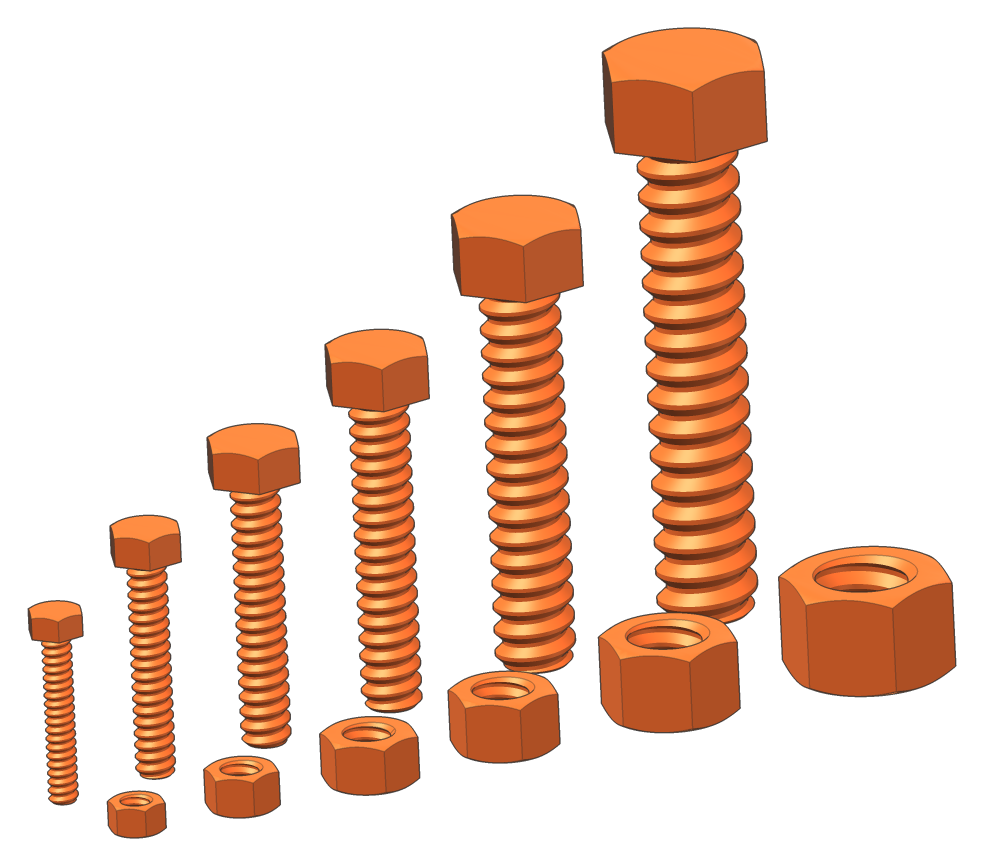
- 6 sizes: S6, S8, S10, S12, S16, S20
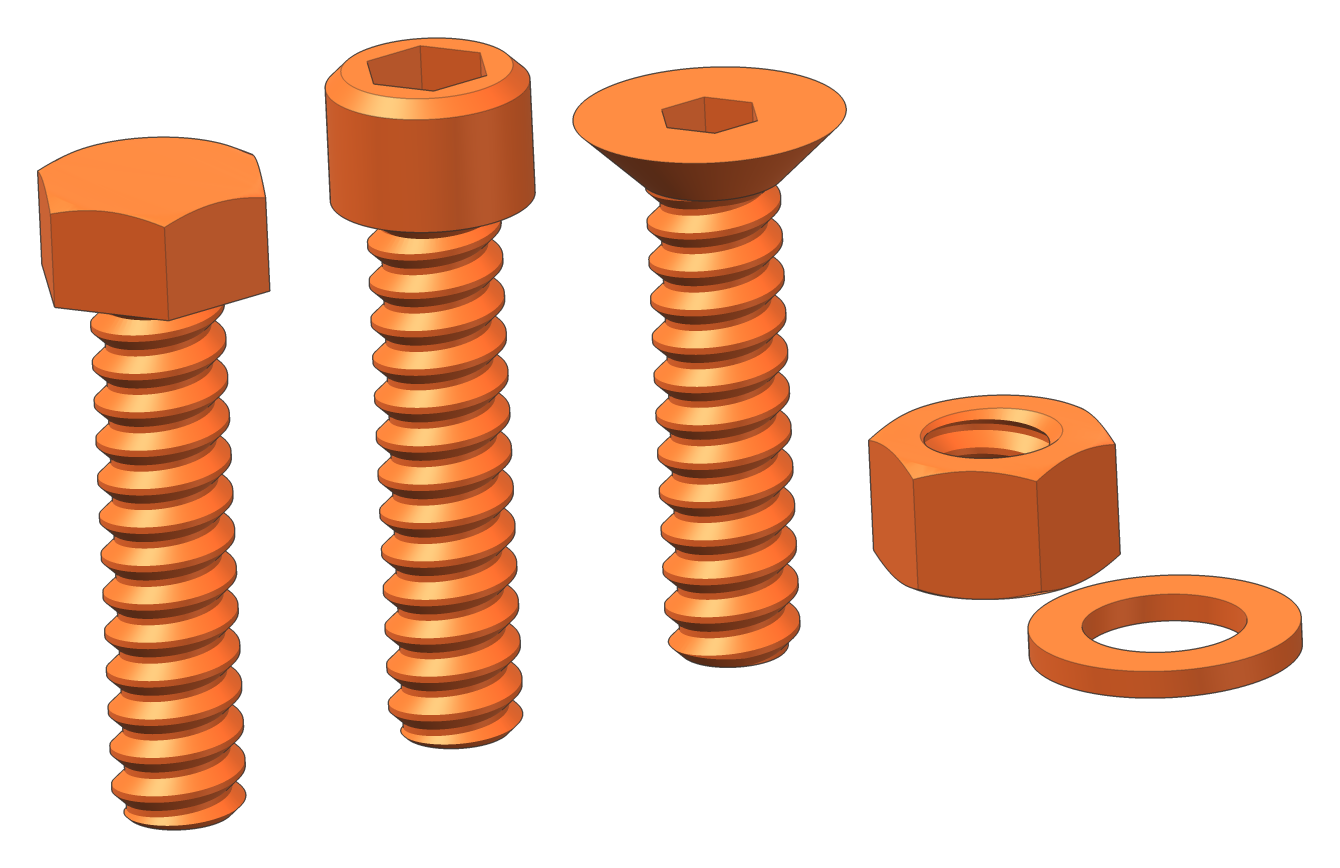
- Hex, socket cap and countersunk head
- Lengths 10–200 mm from the DIN 933 stock range
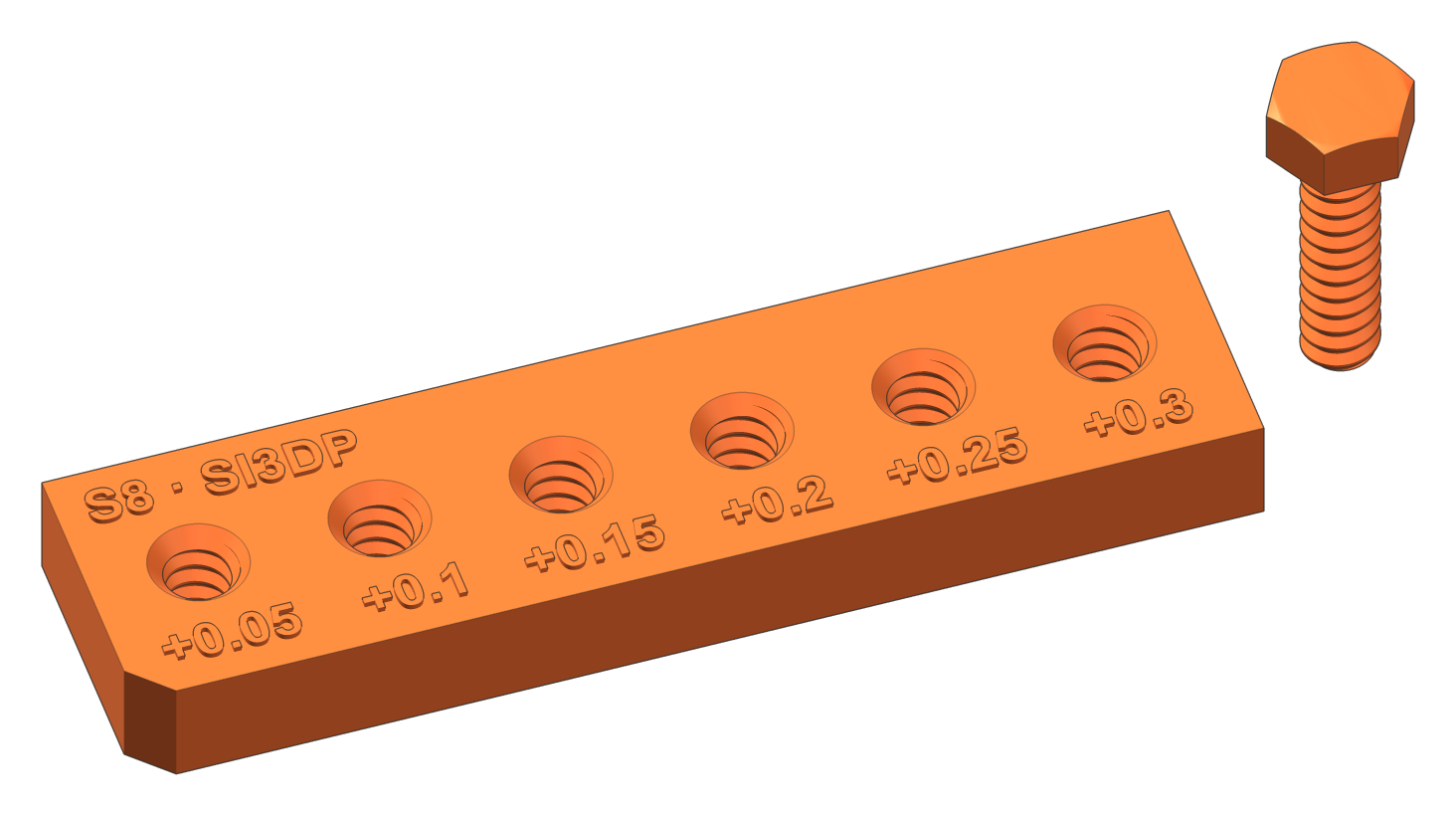
- Test plate for every size — find your clearance first
- Nuts in 6 clearances and a washer for every size
- Oriented for printing — no supports
- Also FBX, OBJ and GLB for 3ds Max, Maya, Cinema 4D and Blender
- Print settings in the README (EN + CS)
Sales open shortly.
Free: S8 test plate + screwInstant download link by e-mail after payment · Personal use only
—What you get
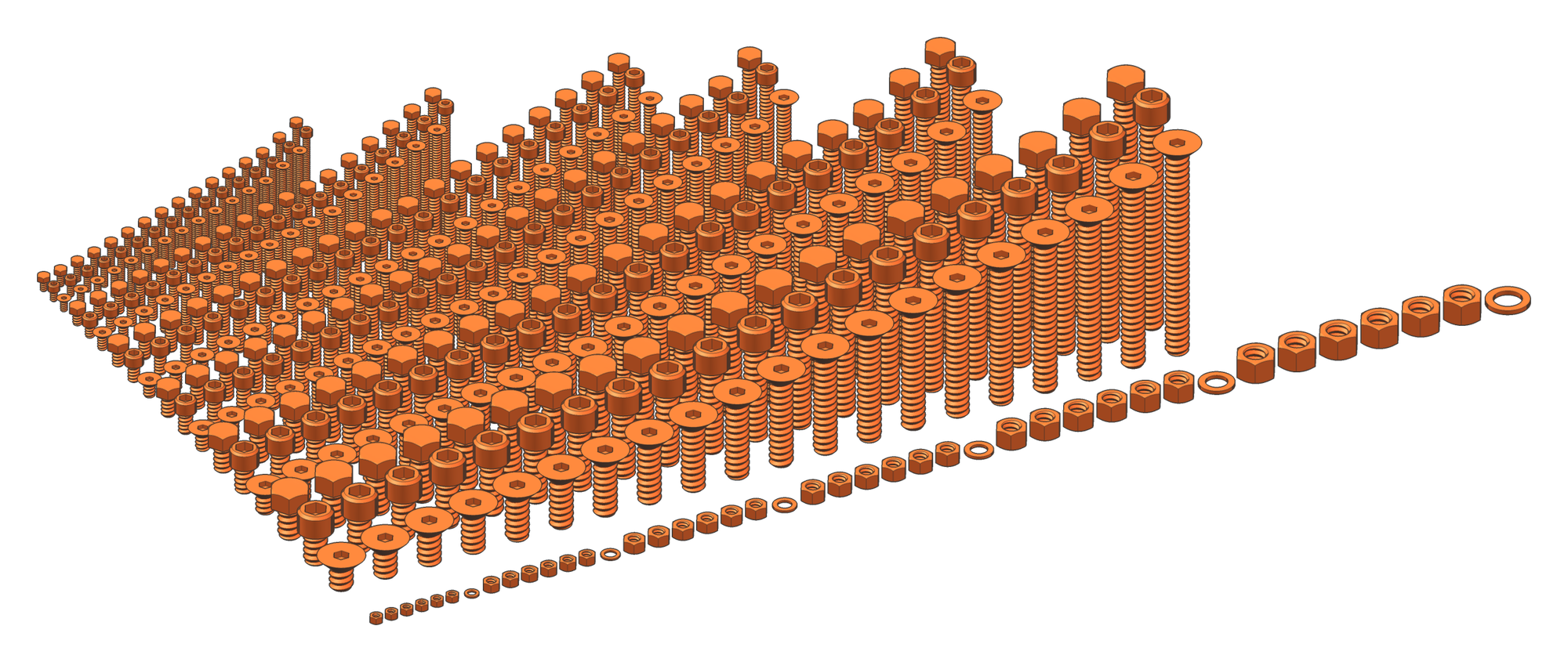
346 screws in a single download.
01What is in the set
Every size, every length you will need.
Diameters match metric sizes, so ordinary DIN 933 wrenches and DIN 912 Allen keys fit. The thread is SI3DP: coarse pitch P = 0.3 × D and 45° flanks, with the clearance built in.
Wrench for the hex head and nut · Allen key for the socket cap · Allen key for the countersunk head. All dimensions in mm.
02Formats
Opens straight in the program you already use.
Two downloads: STL ready to print, and FBX, OBJ and GLB for 3D software. No conversion, no rescaling — every file is in millimetres, named, with the head on top and the 3D-print colour of screwit3D.
● recommended file opens as well · Not sure? The free S8 test kit has the screw and the test plate in all four formats — try it in your program first.
03Printing
Straight from the box to the build plate.
Screws stand on their head, nuts and washers lie flat. 45° flanks print without supports.
Print the test plate and one screw, try the six holes (+0.05 to +0.30 mm) and print the nuts in the clearance that fits. Do not scale the files.
Download the S8 test kit freeDiameter at least 15 × nozzle: 0.4 mm → S6, 0.6 mm → S10, 0.8 mm → S12.
At least 4 perimeters, layer at most half the nozzle. For loaded joints PETG, ASA or PA — PLA creeps over time.
04Questions
About the files
Anything else? Write to us — we reply within two working days.
What do I get after paying?
Download links by e-mail, right after payment. Two ZIPs: one for printing — 394 STL files sorted by size and head type: screws, nuts in 6 clearances, washers and a test plate for every size — and one for 3D software with the same screws, nuts and washers as FBX, OBJ and GLB. Both have a README and the licence.
Can I use them in 3ds Max, Blender or other 3D software?
Yes. The 3D package has every part as FBX, OBJ and GLB, plus one library file per size with all parts named and laid out in a grid. The Z axis points up with the head on top, the origin sits under the head, units are millimetres and the material has the screwit3D 3D-print colour.
Can I try it before buying?
Yes — download the S8 test kit for free: the S8 test plate and an S8 × 30 screw as STL to print and as FBX, OBJ and GLB. Print them to find your clearance, and open them in your 3D program to see how the files work for you.
Do they fit ordinary metal nuts and screws?
No — SI3DP is its own thread for 3D printing: coarser pitch and 45° flanks instead of 60°. SI3DP screws fit SI3DP nuts from the set and the SI3DP threads the screwit3D extension draws into your own parts. Standard wrenches and Allen keys do fit.
Can I sell the parts I print?
No. The licence is for personal use: you may print the parts for yourself, but not share or resell the files or sell printed parts. Need it for a business? Write to us about a commercial licence.
How do I make a matching threaded hole in my own part?
For a through hole use the diameter in the table. For a thread in your part, the screwit3D extension for SketchUp draws exactly the same SI3DP thread — its free version includes S6 and S12.
Is VAT included in the price?
No — the price is excluding VAT. At checkout, VAT for your country is added. Businesses with a valid EU VAT number and customers outside the EU pay the price as shown.
What if a file does not work?
Write to us with the file name and what happened. If we cannot fix it, you get your money back — see the refund policy.