v1.5.1 Download the free version — no account, no card. Download

SketchUp · thread on a shapebeta

Draw it.
Click it.
It's threaded.

Draw a neck and a lid in SketchUp, click both — screwit3D adds a thread made for 3D printers.

Need a bolt too? One click gives you the hole, the thread and a printable SI3DP bolt.

  • SketchUp 2019–2027
  • Windows & Mac
  • No account, no card
SketchUp · screwit3Dreal screen recording
Real screen recording: neck and lid drawn as cylinders → thread on the neck → the lid takes its thread → fitted, seen through.
The real printFDM · as printed
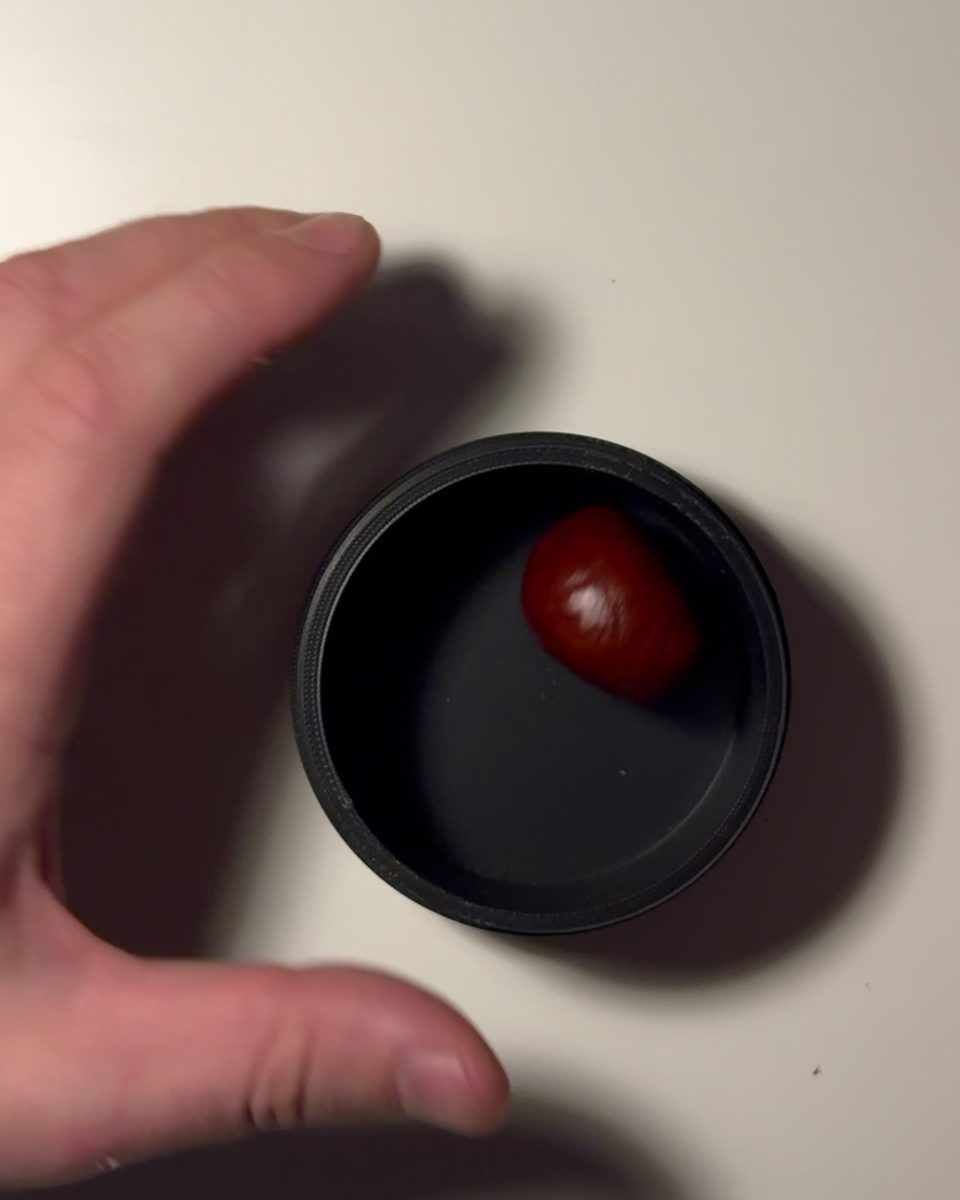
The printed box with its screw lid open, a chestnut inside
The same box, printed and unscrewed.

01Three steps

From two cylinders to a box you can print.

1

Draw a neck and a lid

Plain cylinders, the way you always model in SketchUp — a box with a neck on top and a lid with an opening.

2

Click the neck, then the lid

Pick Thread for a neck and click — the neck gets a 45° thread. Click the lid and it takes its thread from the neck. Pitch, clearance, starts and hand are yours to set.

3

Fit, lay out, export STL

Fit the lid seats it as it ends up after tightening. Lay out for printing puts it back beside the box, bottoms level. Export STL — straight to the slicer.

02Threads with our bolts

One click: the hole, the thread and a bolt you can print.

Switch the panel to 3D PRINT, pick the bolt size and click the part. That one click drills the hole, cuts a true helical thread into the part and puts in an SI3DP bolt of the right length — through or blind, in one part or across two. Four clicks, four bolts: that is the handle on the lid above.
  • Thread cut into the part. A true helical thread modelled into your printed part — through or blind, across one part or two.
  • Threads that mesh. Bolt, nut and hole threads are phase-aligned, so the model shows crest in groove.
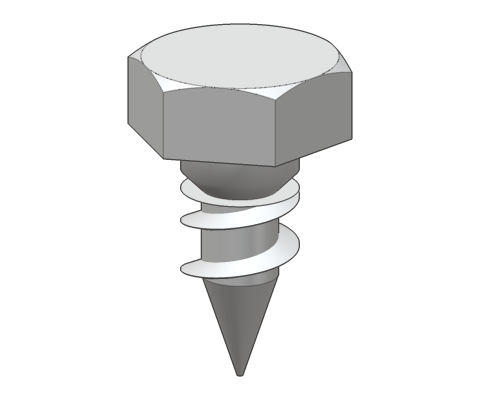
  • Printable hardware. “Fastener only” hangs a bolt, nut or washer on your cursor — hex, socket or countersunk — ready to export as STL.
  • Calibration plate. A test plate in ⚙ Settings with the clearances printed on it — check the standard on your own printer.
1 click = 1 bolt
Thread and bolt → four clicks on the lid = four holes, four threads, four bolts. Real screen recording, not sped up.
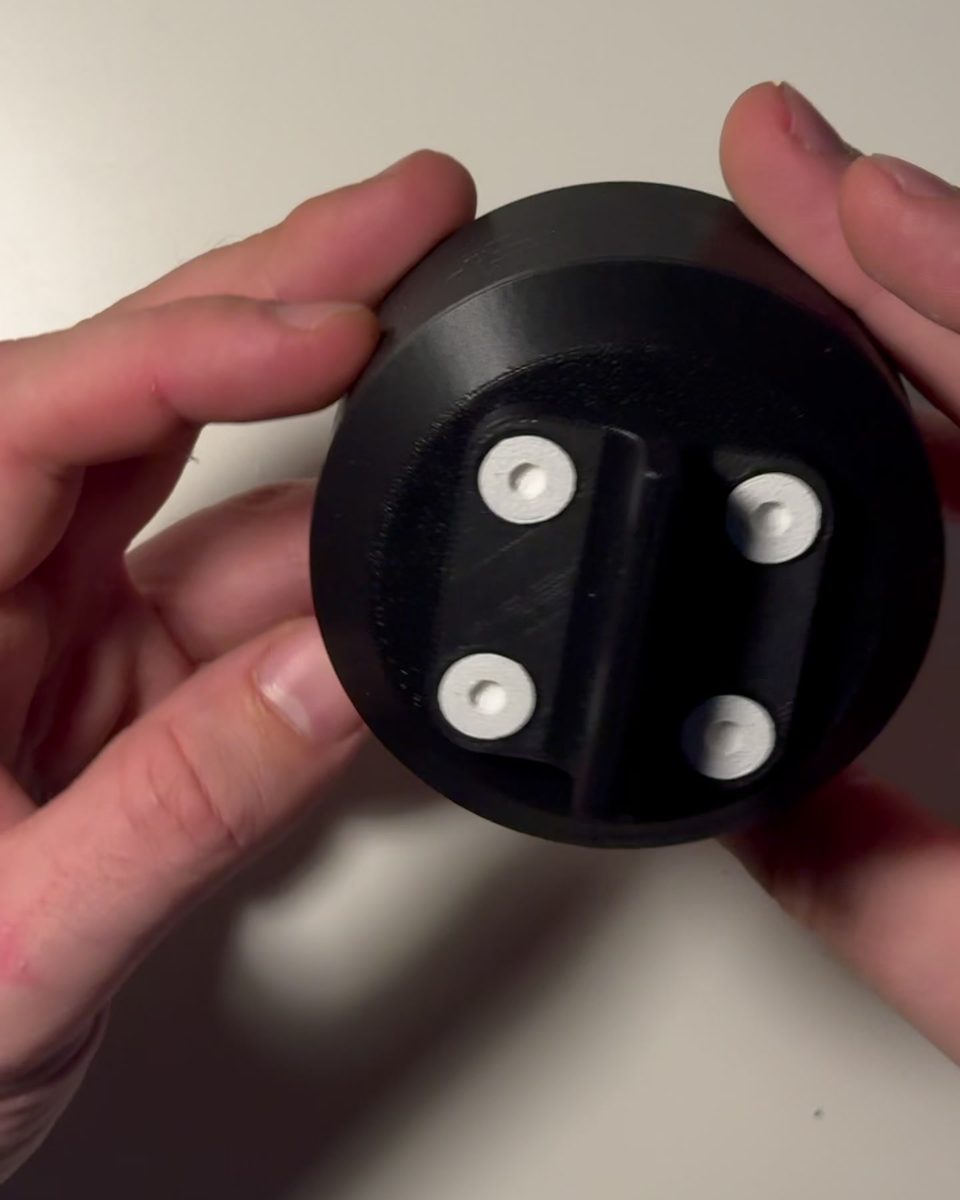
The printed lid with its handle held by four white printed SI3DP bolts
Printed: the handle held by four printed S6 bolts.
SketchUp · screwit3Dreal screen recording · played 1.5× faster
Another part, the same click. An electrical box: one click on the lid over the post — a clearance hole in the lid, an S6 SI3DP thread in the post, and a printed countersunk bolt that sits flush with the surface.

Printed and screwed in

From the printer bed to the hex key.

The four white S6 bolts on that lid came off the printer like this: printed standing on the bed, taken off and screwed straight into the thread printed in the handle and the lid — with an ordinary hex key. No tapping, no inserts, no bought hardware.
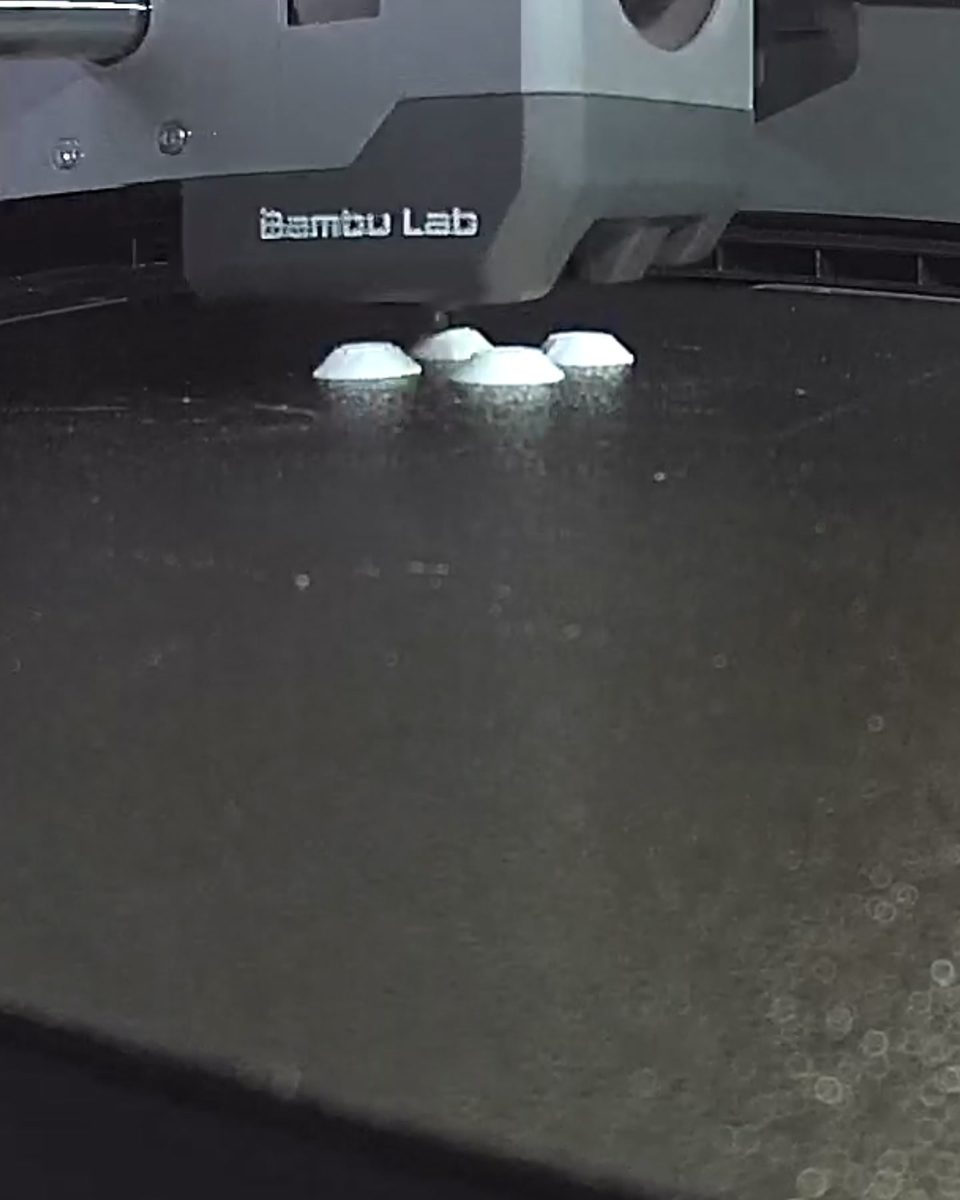
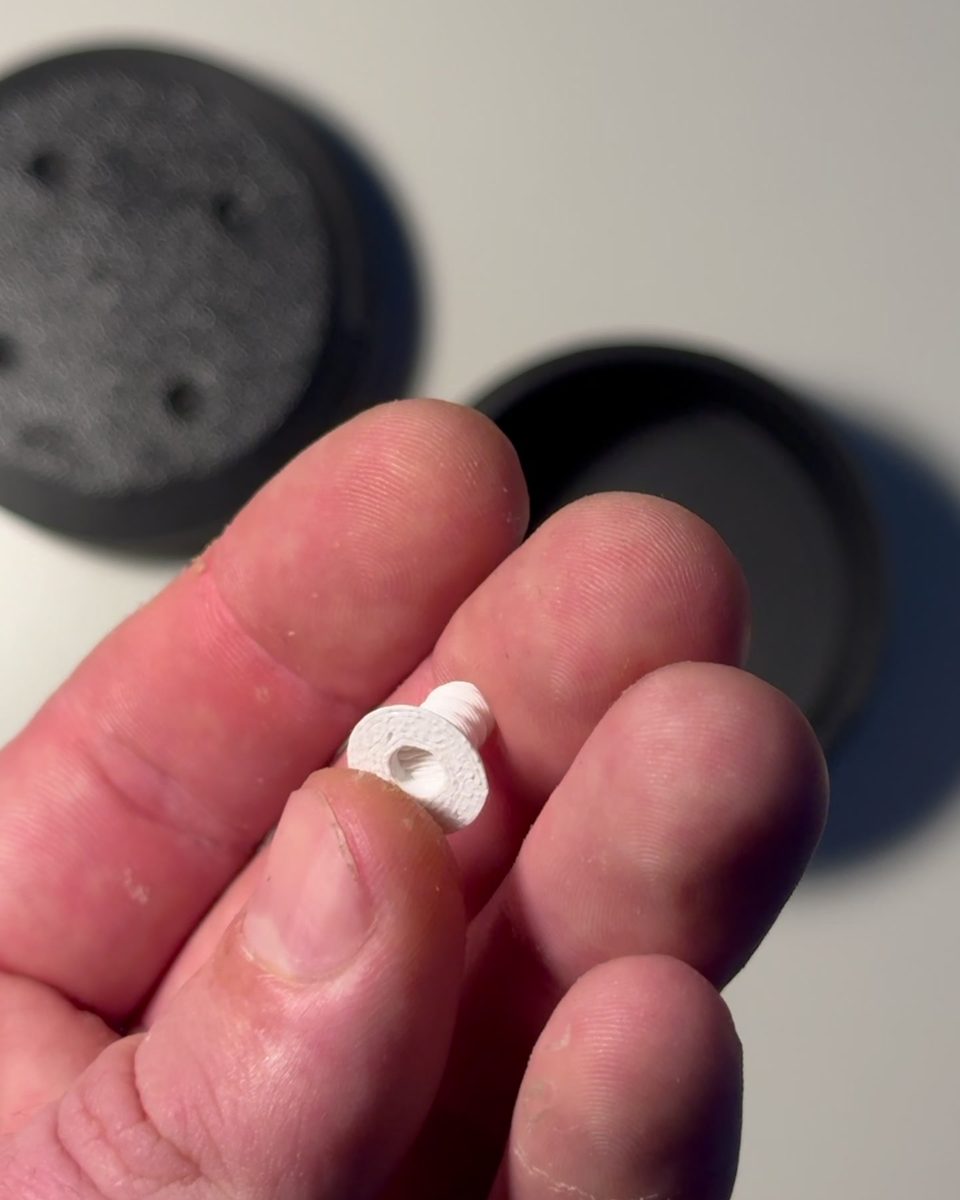
Real footage, not sped up: printer → bolt → hex key.
White printed SI3DP bolts standing on the print bed
Printed standing on the bed.
A printed SI3DP S6 bolt held between two fingers
A printed S6 bolt — the thread straight off the printer.

03For steel and wood

Not printing? The same click for steel and wood.

Steel frames, furniture, fixtures: choose what you join and with what — screwit3D drills every wall along the axis and inserts the hardware you would actually order, metric or inch.

  • ISO metric M3–M20 and ASME inch #6–3/4", coarse UNC or fine UNF.
  • Every wall, one click. The hole cuts every wall along the axis — tubes through both walls, parts touching the first one included.
  • The right bolt length. Computed from the clamp and rounded to the stock series.
  • Eight heads, seven drives — with a true helical thread, or a light model when you prefer speed.
  • Wood screws DIN · EN and ASME · ASTM, confirmat included — pilot holes by the kind of wood.
  • The hole goes where you mean it: guides and lines, a set distance from the edge, or the wall axis.
  • A bill of materials that orders itself: catalogue names such as “Bolt M8×60 DIN 933” on their own tag.
  • Joints stay editable. Move, resize or restyle them later — the holes are healed and re-cut.

For engineers →

SketchUp · screwit3Dreal screen recording
M16 bolts through a steel post base. Hex bolts M16 through the steel bracket and the timber post, with washers and nuts. Editing afterwards changes all identical joints at once.
A bolt through two tubes. An M8 socket-head bolt with washers and a nut, its length measured from the parts.
Leg to rail with a threaded insert. An M10 threaded insert in the rail — pilot hole Ø12 × 22 mm from the catalogue — and the bolt through the leg.
A rivet nut in a thin wall. An M8 rivet nut — Ø11 hole, 18 mm body, wall up to 4.5 mm — and the bolt that pulls the sheet part to it.

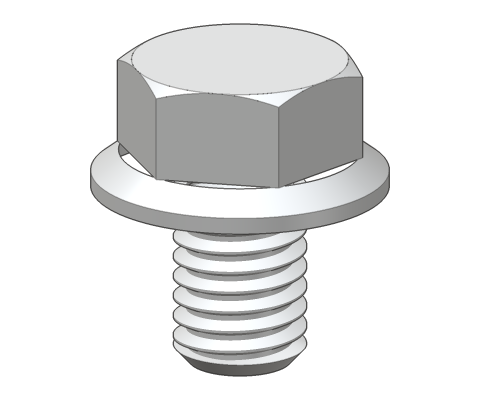
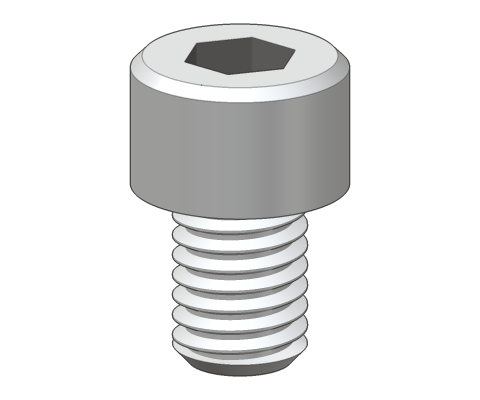
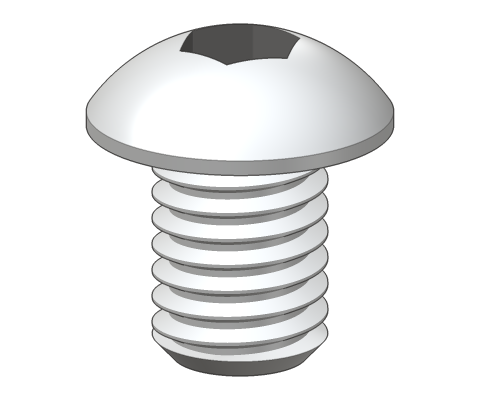
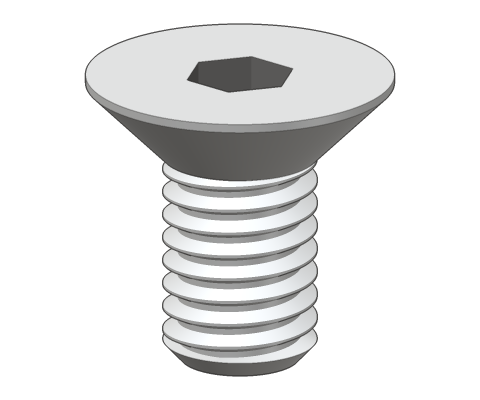
Bolts · ISO and ASME 8 heads · drives: external hex, hex socket, Torx, Phillips, Pozidriv, slot
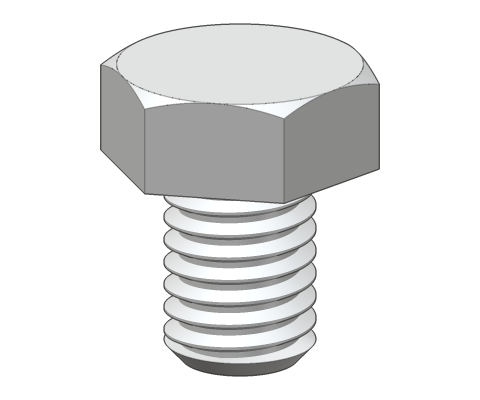
Hex
Flange
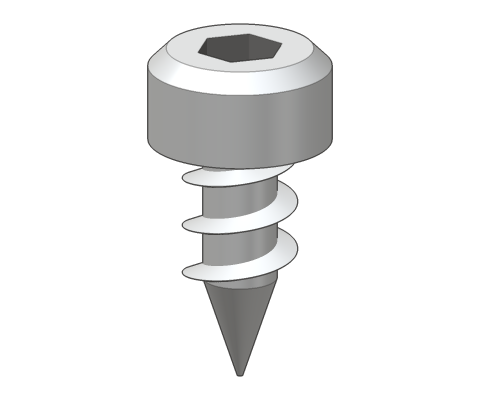
Socket cap
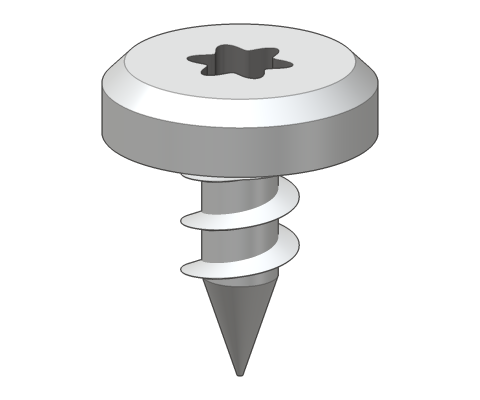
Button
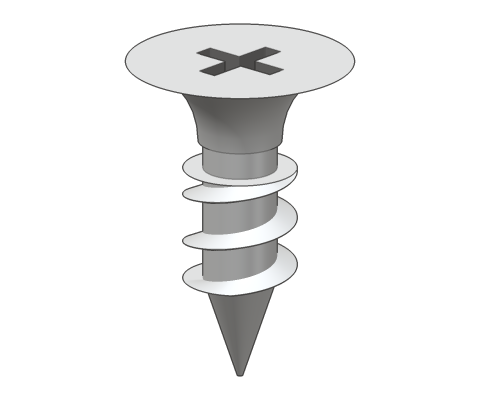
Countersunk
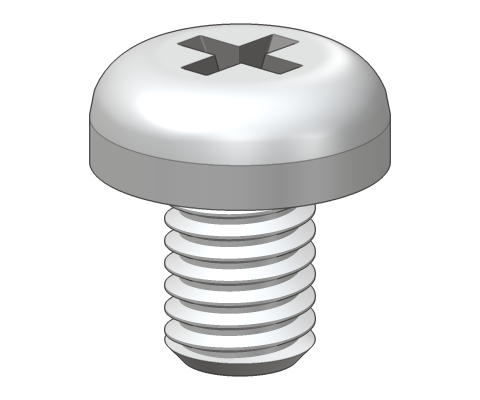
Pan
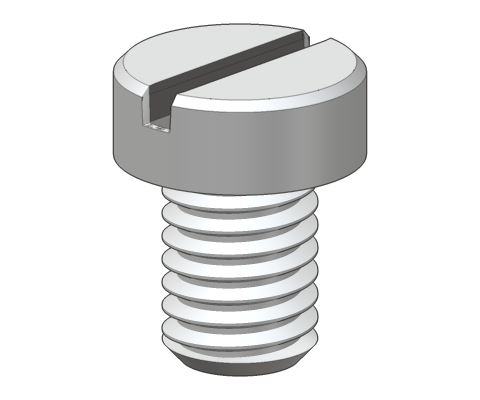
Cheese
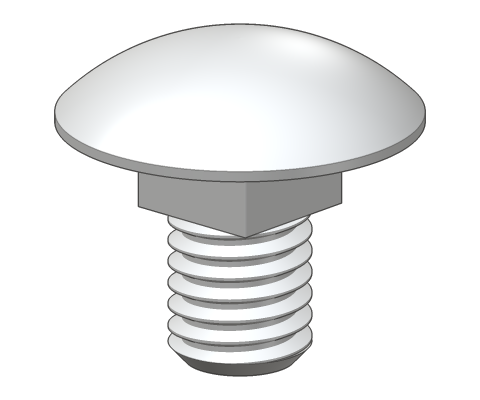
Carriage

Wood screws · DIN · EN and ASME · ASTM universal DIN 7505, classic DIN 7997 / 7995 / 7996, washer head, DIN 571, confirmat · wood, deck, lag and drywall screws
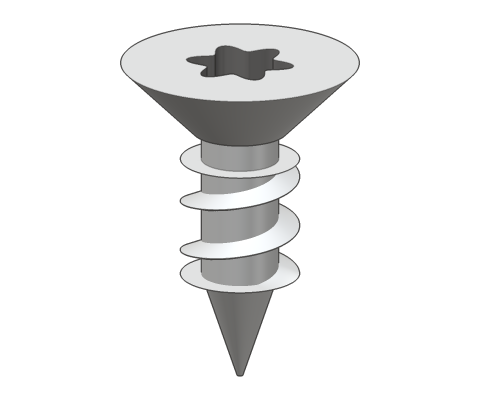
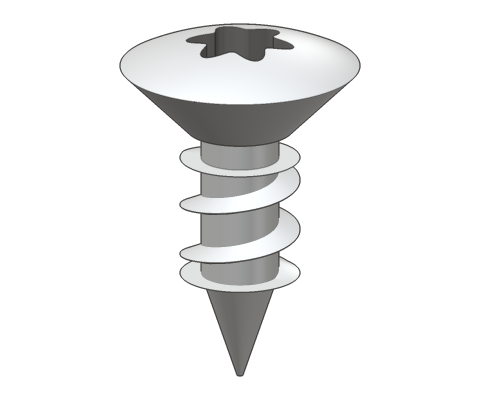
Countersunk
Raised
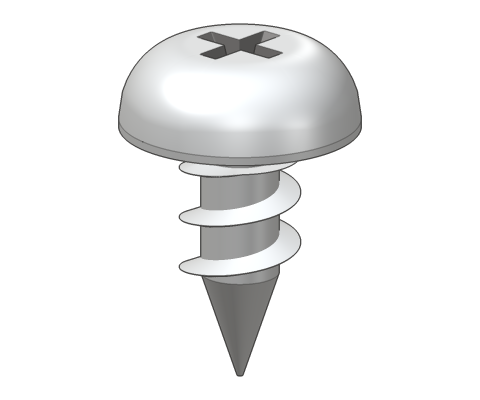
Pan
Washer
Hex
Confirmat
Bugle

The extension itself

This is what you work with.

One panel next to your model: what you join, what with and how — with a live 3D preview and the bill of materials. Click a finished joint and its edit window opens.

The panel
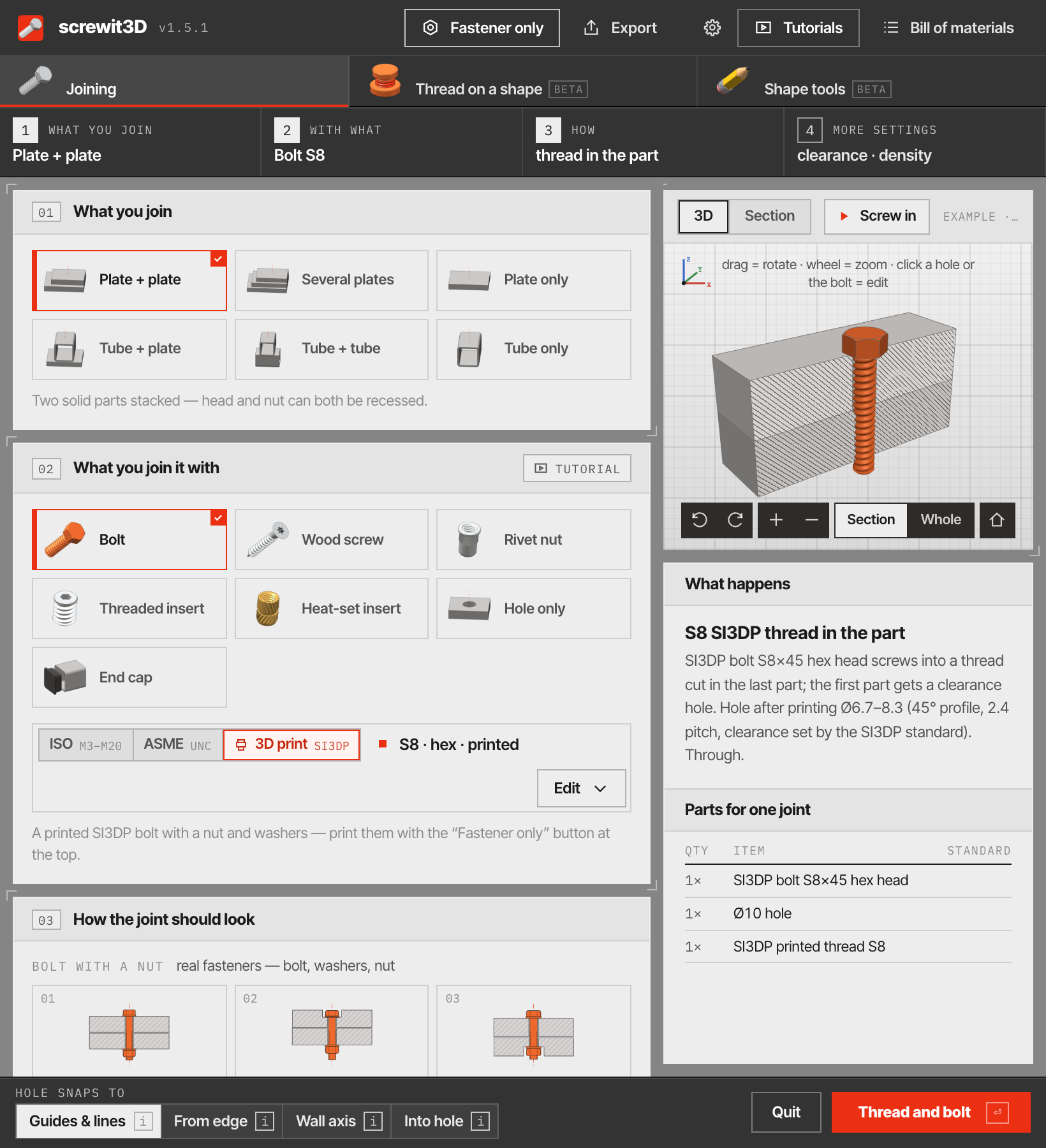
The screwit3D panel: what you join, what with and how, a 3D preview and the bill of materials
The edit window
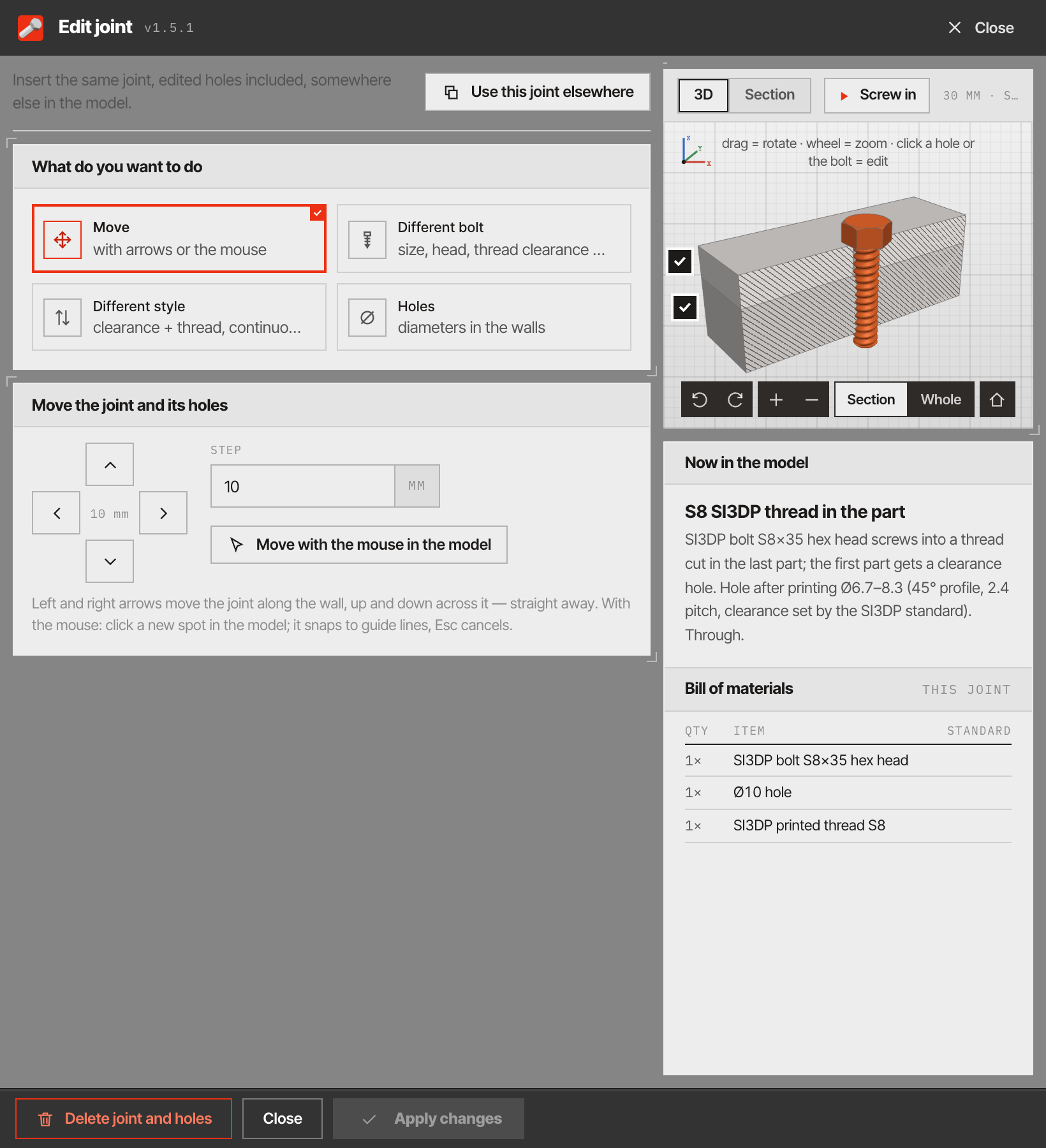
The screwit3D edit window: move the joint, change the bolt, the style or the holes

04Why it prints well

A thread profile made for printers, not for steel.

The 45° thread profile comes from SI3DP, our thread standard for FDM printing — the same one screwit3D uses for printed bolts S6 to S20.
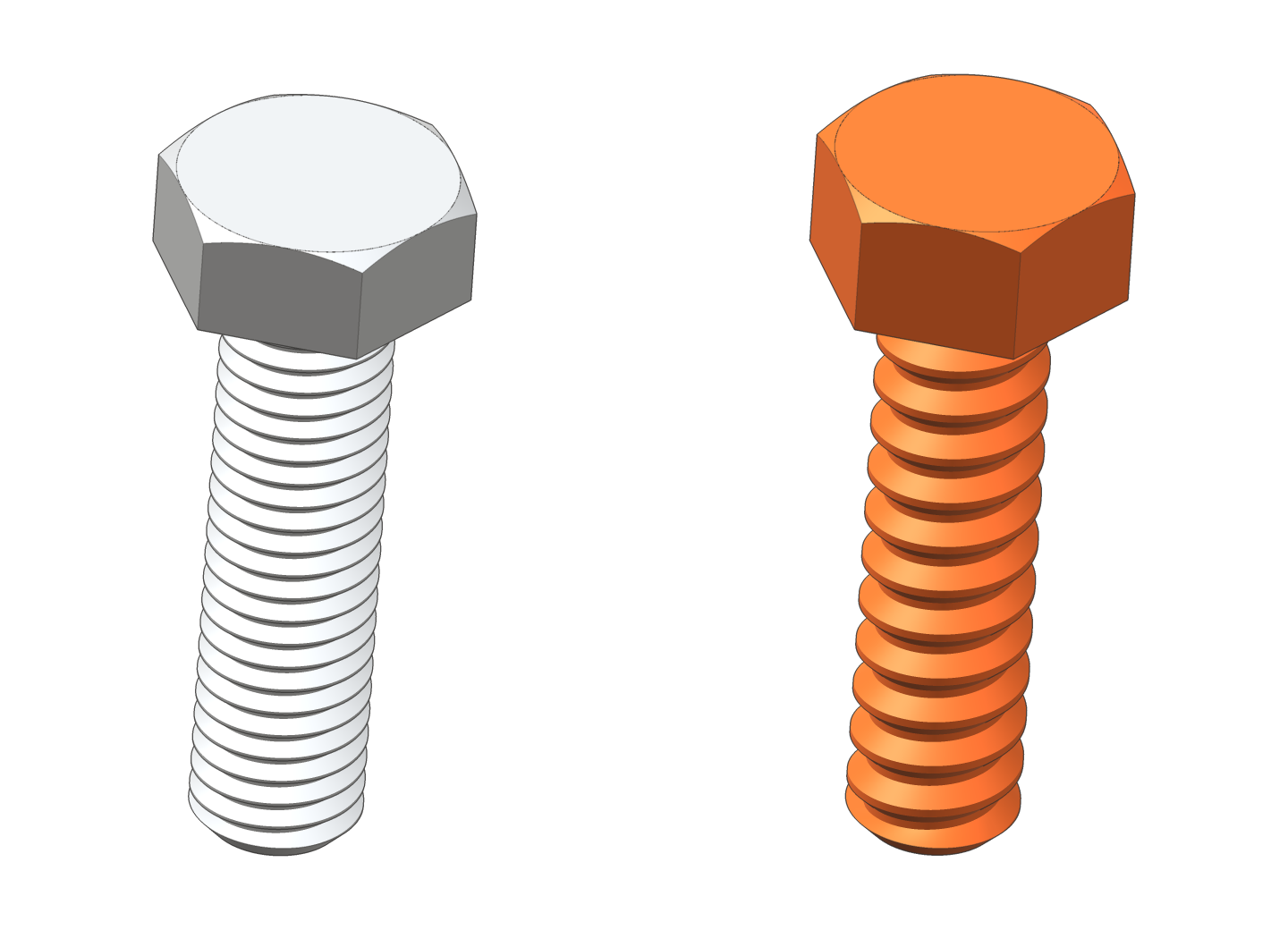
ISO M8 bolt next to an SI3DP S8 bolt
ISO M8 pitch 1.25 · flanks 60° · made for steelSI3DP S8 pitch 2.4 · flanks 45° · made for printers
ISO M8 · P 1.25 SI3DP S8 · P 2.4 60° overhang needs supports 45° prints clean both orientations
Thread profile at the same scale. SI3DP teeth are roughly twice as large, with flat crests a nozzle can actually lay down.
A

45° flanks

A symmetrical trapezoid with 45° flanks. The overhang never exceeds 45°, so bolts print upright and threaded holes print in any orientation — without supports.

B

Clearance built in

0.10 mm on the bolt and 0.15 mm in the hole are part of the standard, identical for every size. Need more for your printer? Set your own — clearly marked as off-standard.

C

Reinforced where prints break

A 45° cone under the head fills the clearance hole, followed by a 45° thread run-out. Right under the head there is full cross-section and no sharp notch.
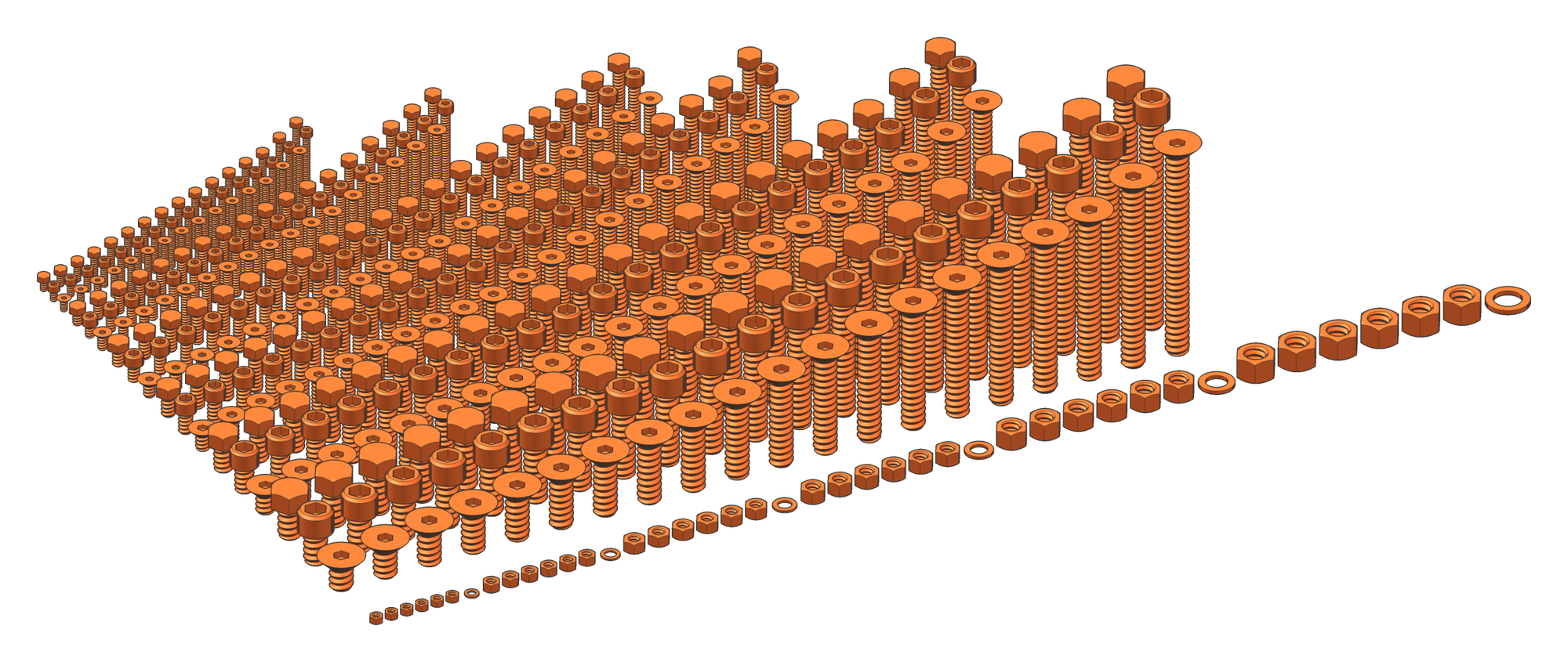
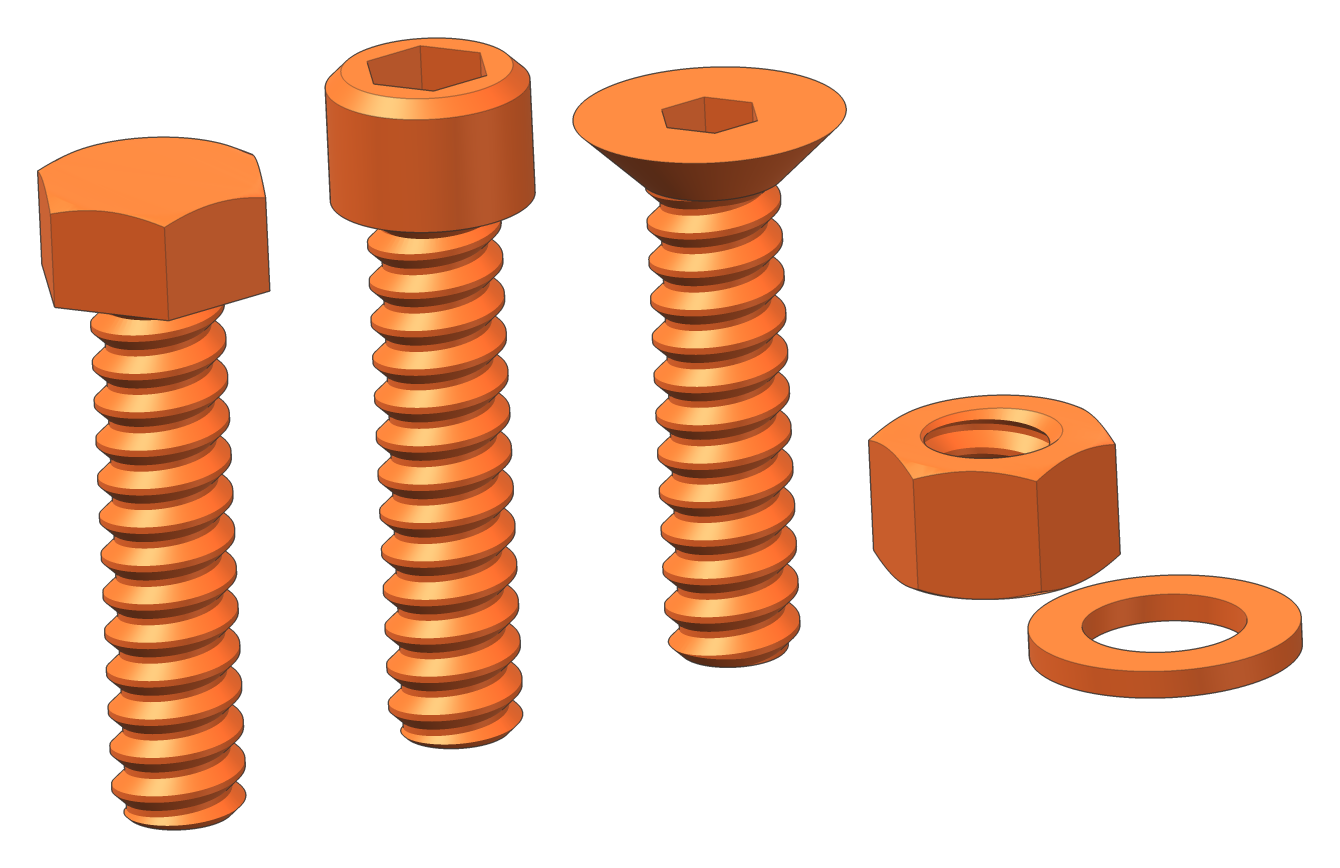
The complete SI3DP range: hex, socket-cap and countersunk bolts S6 to S20 in rows, nuts and washers in front
The SI3DP range, S6 to S20. Hex, socket-cap and countersunk bolts in every stock length, nuts and washers — all printable, all from the same standard.
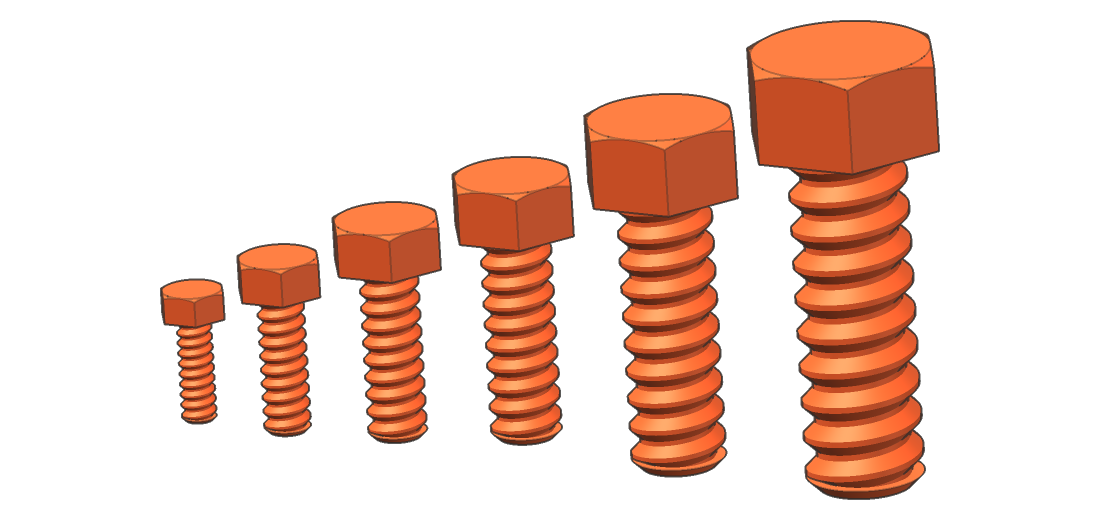
SI3DP bolts S6, S8, S10, S12, S16 and S20 side by side
Sizes S6 · S8 · S10 · S12 · S16 · S20 — diameters match the metric series, so your spanners fit.
SI3DP hex, socket-cap and countersunk heads
Three heads: hex, socket cap, countersunk.

The whole set as ready-made 3D models — STL, FBX, OBJ, GLB →

05Free and full

Try it on your own model first.

Free version0 € · no key
  • 3 trial thread pairs per computer — neck and lid, on your own model
  • Fit the lid, Lay out for printing
  • SI3DP bolts and threads in the part in S6 and S12, up to 3 of each kind in a model
  • Bolts ISO M4 and M12, ASME #8 and 1/2"; wood screws Ø4 · Ø12 · #8 · 1/2" and the 7 mm confirmat — up to 3 of each kind in a model
  • STL / DXF export (beta)
  • No account, no card
Download free
Full version
  • Unlimited threads on shapes
  • SI3DP S6 to S20, no limit on joints
  • Every size: ISO M3–M20, ASME #6–3/4" and every wood screw
  • One-time purchase, no subscription — every 1.x update included
  • Up to 3 computers
  • 14-day refund, no questions
Buy — 

Everything in the full version →

06Questions

Before you try it

Will it work with my printer?

The thread is made for FDM printers: 45° flanks, no supports, clearance built in. The clearance is a setting — keep the standard value or set your own for your printer and material.

Is it only for 3D printing?

No. The same click drills the holes and puts real ISO and ASME bolts, nuts and washers, rivet nuts, threaded inserts and wood screws into steel frames, furniture and timber — with the bolt length from the parts and a bill of materials in catalogue names.

Which SketchUp version do I need?

SketchUp 2019 to 2027, on Windows and Mac. The free version installs like any other extension — no account, no card.

Why does it say “beta”?

Thread on a shape and the STL / DXF export are new and still marked beta. They work, and we keep improving them with every update. If something does not work on your model, write to info@screwit3d.com — that is exactly what the beta is for.

Can I print the bolts too?

Yes. SI3DP bolts, nuts and washers come out of screwit3D as printable parts, and the thread in your part is made to match them. SI3DP has its own, coarser thread, so printed SI3DP bolts go with SI3DP threads; diameters and spanner sizes match the metric series, so your tools fit.

What happens after the 3 trial pairs?

Everything you made stays in your model and stays editable. For more threads on shapes, the full version unlocks them — the licence key goes into the version you already have, nothing to reinstall.

SketchUp2019 – 2027 macOS Windows

Draw it. Click it. Print it.